WizLeads
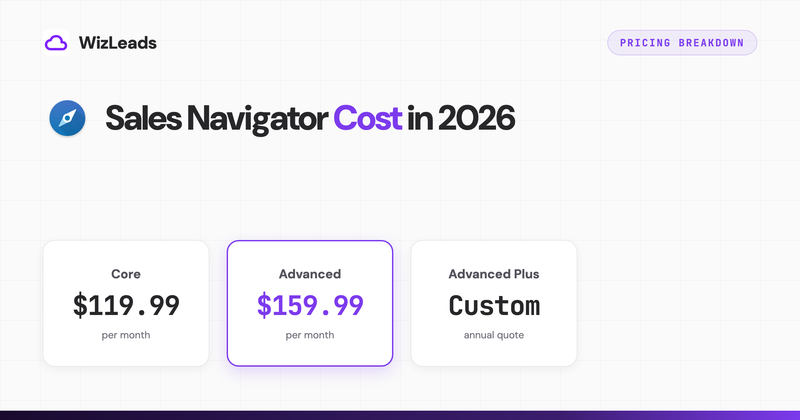

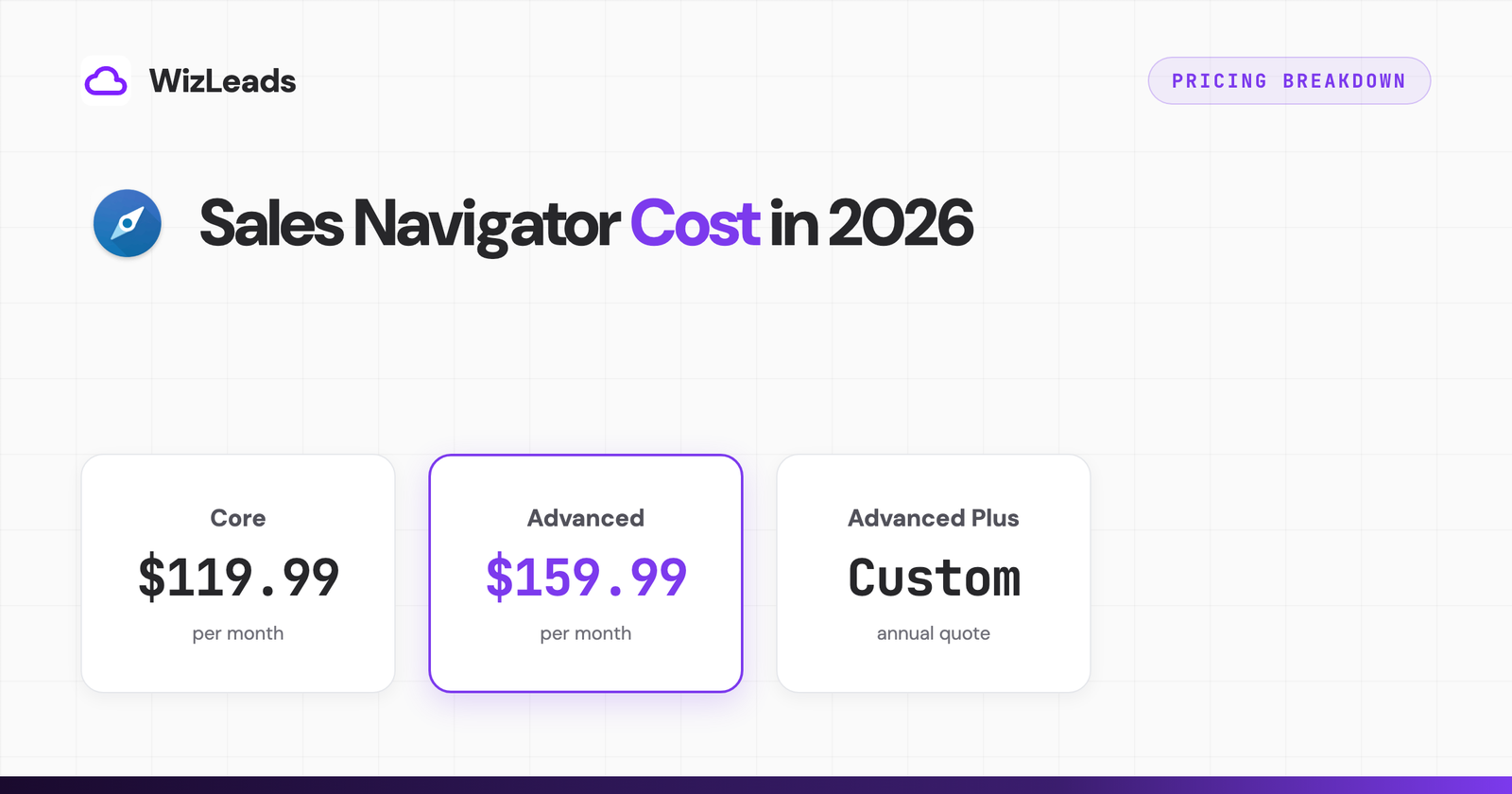
LinkedIn Sales Navigator costs $119.99 per month for the Core plan and $159.99 per month for Advanced in 2026, with annual billing cutting Core to $1,079.88 per year, about $89.99 per month. Advanced Plus, the CRM-sync tier, is custom-quoted. That is the short answer. I pay for Sales Navigator seats across my own client campaigns, so the longer answer below is the one I actually care about: what each tier includes, where the hidden costs sit, and how I make one seat produce the output most teams buy three seats for.
Pricing comes from LinkedIn's own plan comparison page, checked July 2026. LinkedIn adjusts pricing by region and runs occasional tests, so treat these as US list prices.
Sales Navigator pricing table
| Plan | Monthly billing | Annual billing | Effective monthly (annual) | Savings |
|---|---|---|---|---|
| Core | $119.99 | $1,079.88 | $89.99 | 25% |
| Advanced | $159.99 | $1,799.88 | $149.99 | 6% |
| Advanced Plus | custom quote | custom quote | ~$1,600+/seat/yr reported | n/a |
For context against LinkedIn's other paid tiers: Premium Career runs $29.99/month and Premium Business $59.99/month. Neither includes Sales Navigator's search filters, lead lists, or CRM features.
What each plan includes
Core, $119.99/month
The plan almost every individual seller and founder should start with:
- Advanced lead search with 45+ filters (title, seniority, company size, geography, years in role, technology signals)
- Advanced company search with growth and headcount filters
- Saved searches with new-result alerts
- Custom lead and account lists
- 50 InMail credits per month
- Who's-viewed-your-profile and extended network access
Advanced, $159.99/month
Everything in Core plus team tooling:
- TeamLink, which surfaces warm-intro paths through teammates' networks
- Smart Links, trackable content pages with engagement analytics
- Usage and adoption reporting for managers
- Centralized billing and license management
Advanced Plus, custom pricing
Everything in Advanced plus CRM integration: two-way sync with Salesforce or Microsoft Dynamics, CRM-embedded profile data, and auto-save of leads to CRM records. Reported pricing lands around $1,600 or more per seat per year, quoted by LinkedIn sales.
The hidden costs
The subscription is not the real cost of Sales Navigator. Three constraints drive the true cost per usable lead, and none of them show up on the pricing page.
The search display cap. Any search shows at most 2,500 results no matter how many match. Working a 40,000-result territory means slicing searches into segments, which burns hours every week. I covered the mechanics and workarounds in Sales Navigator export limits.
No export button. Sales Navigator has no native CSV export to your CRM or sequencer outside Advanced Plus CRM sync. Getting leads out means manual copying or third-party tooling, detailed in how to export leads from Sales Navigator.
No contact data. Profiles rarely surface email addresses. Turning a Sales Nav lead into a contactable prospect requires an enrichment layer, and finder output quality varies more than most teams expect. In my 1,000-lead enrichment benchmark, verified-valid output between finders ranged from 259 to 670 emails on identical input.
Stack a typical mid-market setup and the real spend looks like this: 3 Advanced seats ($5,399.64/yr) plus a scraper subscription plus an email finder plus a verifier. This is where I watch teams overspend, month after month.
How to get the most out of one seat
Here is the pattern I run, and the one I see across cold email teams doing high volume: buy one Core seat annually ($1,079.88), use it purely as the search interface, and put the extraction, enrichment, and verification into one automated layer instead of three subscriptions.
That is the workload I built WizLeads for, so read this paragraph knowing who wrote it. It scrapes any Sales Navigator search from the cloud without touching your LinkedIn session in account-less mode, splits searches that exceed the 2,500-result cap automatically, then finds and verifies emails in the same pass. On the Agency plan ($99/month), 8,000 fully scraped, enriched, and verified leads per month come out of a single Core seat, a combined cost of about $189/month for seat plus tooling. Comparable per-lead output from separate scraper, finder, and verifier subscriptions typically runs 2 to 4x that, and the chrome-extension route adds account risk on top. The Evaboot alternatives comparison walks through those trade-offs tool by tool.
Is Sales Navigator worth it?
If you run outbound and treat it as a database license rather than a browsing tool, yes. A Core seat gives you filtered access to the most complete B2B graph that exists for $1,079.88 a year. Source 5,000 leads a month from it and the raw-lead cost lands around $0.018 each before enrichment, an order of magnitude below list vendors, and the data is fresher because people update their own profiles.
If nobody on the team extracts and works the data systematically, the seat is an expensive prospect-browsing habit, and plenty of teams renew that habit every year. Buy the workflow, not the license alone.
FAQ
How much does LinkedIn Sales Navigator cost in 2026?
Core: $119.99/month or $1,079.88/year (25% annual saving). Advanced: $159.99/month or $1,799.88/year. Advanced Plus: custom, commonly reported around $1,600+ per seat per year.
Is there a free trial?
Yes, typically 30 days of Core for accounts without a recent trial. It auto-converts to paid unless you cancel.
What is the difference between Core and Advanced?
Advanced adds TeamLink warm intros, Smart Links tracking, and admin reporting for $40/month more. Solo operators rarely need it. The search filters that matter are all in Core.
Is Sales Navigator worth the cost?
As a searchable B2B database feeding an export and enrichment workflow, yes. As a standalone browsing tool without extraction, rarely.