WizLeads

Fetch a public LinkedIn profile with curl and no cookies, and a real page comes back. We ran it against linkedin.com/in/williamhgates while writing this. The response carried the name, headline, location, About section, three roles with company names and date ranges, two schools, follower and connection counts, and recent posts. About 20,000 characters of visible text, no login involved.
Two things were absent. Contact details sat behind a "Sign in to view" panel. And a search of the raw HTML for anything shaped like an email address returned zero matches.
That one request contains most of the answer to how LinkedIn scraping works. The employment graph is readable. The contact details are not in the page to read. The rest is volume, whose account absorbs the load, and which set of rules you choose to sit inside.
What people actually mean by the word
Three different jobs travel under the label LinkedIn data scraping, and they carry different costs.
The first is LinkedIn web scraping in the literal sense. Point a fetcher at public URLs and scrape LinkedIn profiles one page at a time, the way curl just did. Cheap per record, limited in what it returns, and it needs a supply of profile URLs from somewhere before it can start.
The second is reading a logged-in LinkedIn or Sales Navigator search. This is what almost every commercial lead-gen tool means, because a Sales Navigator search queries LinkedIn's own index with 50+ filters and returns a targeted list rather than a pile of pages.
The third is enrichment, which is not scraping at all. It takes the name and company you pulled and finds a business email that LinkedIn never held.
Why nobody just uses the API
The official route closes fast. Microsoft's LinkedIn Profile API documentation states that use of the API "is restricted to those developers approved by LinkedIn," that the ordinary permissions return name, photo, headline and vanity name for the authenticated user, and that retrieving another member's profile "will need access to the Person ID, available only via certain limited access APIs." No endpoint accepts a search query and returns matching people, which is why a scraping industry exists at all.
The legal position, and why the popular version is wrong
Search is linkedin scraping legal and one of the top results is a Forbes headline from 18 April 2022: scraping data from LinkedIn profiles is legal, appeals court rules. The pages ranking around it repeat some version of that. The date is the problem, because the case they describe did not finish in April 2022, and the next eight months changed the answer.
April 2022. The Ninth Circuit affirmed a preliminary injunction stopping LinkedIn from blocking hiQ Labs' access to public member profiles. This was the opinion on remand: the court's better-known 2019 ruling had been vacated by the Supreme Court in June 2021 and sent back for reconsideration in light of Van Buren, so anyone still citing 2019 is citing a judgment that no longer stands. The panel's opinion is careful about its own scope: "At the preliminary injunction stage, we did not resolve the companies' legal dispute definitively." What it held was that hiQ had raised "serious questions" about whether the Computer Fraud and Abuse Act's "without authorization" concept applies where prior authorization is not generally required but one particular person or bot is refused access.
1 August 2022. Judge Chen dissolved the very injunction the Ninth Circuit had just affirmed, on LinkedIn's showing that hiQ no longer had an ongoing business to protect. The win lasted 105 days.
4 November 2022. Back in the district court, LinkedIn moved for summary judgment on breach of contract. The order granted it as to the Mechanical Turk workers hiQ had used, finding hiQ "breached LinkedIn's User Agreement both through its own scraping of LinkedIn's site and using scraped data, and through turkers' creation of false identities." It denied the motion on hiQ's own scraping, where waiver and estoppel defences still raised disputes of fact for trial.
8 December 2022. Judge Edward M. Chen signed the parties' consent judgment and permanent injunction. Judgment of $500,000 against hiQ, all other monetary relief waived, and hiQ permanently enjoined from using "automated means to access and/or copy data from the LinkedIn platform, whether logged in to a LinkedIn account or not, without express written permission of LinkedIn."
Read those four dates together and the useful distinction appears. The computer-crime question went hiQ's way at the circuit level. The contract question did not. Contract is also the one that governs anyone reading this, because you agreed to it when you made an account.
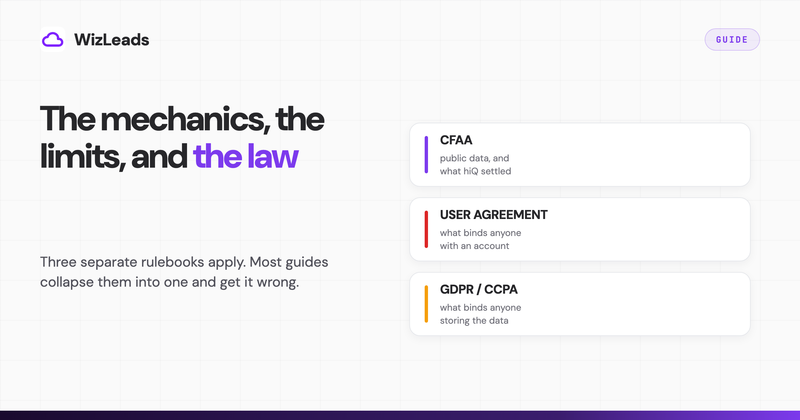
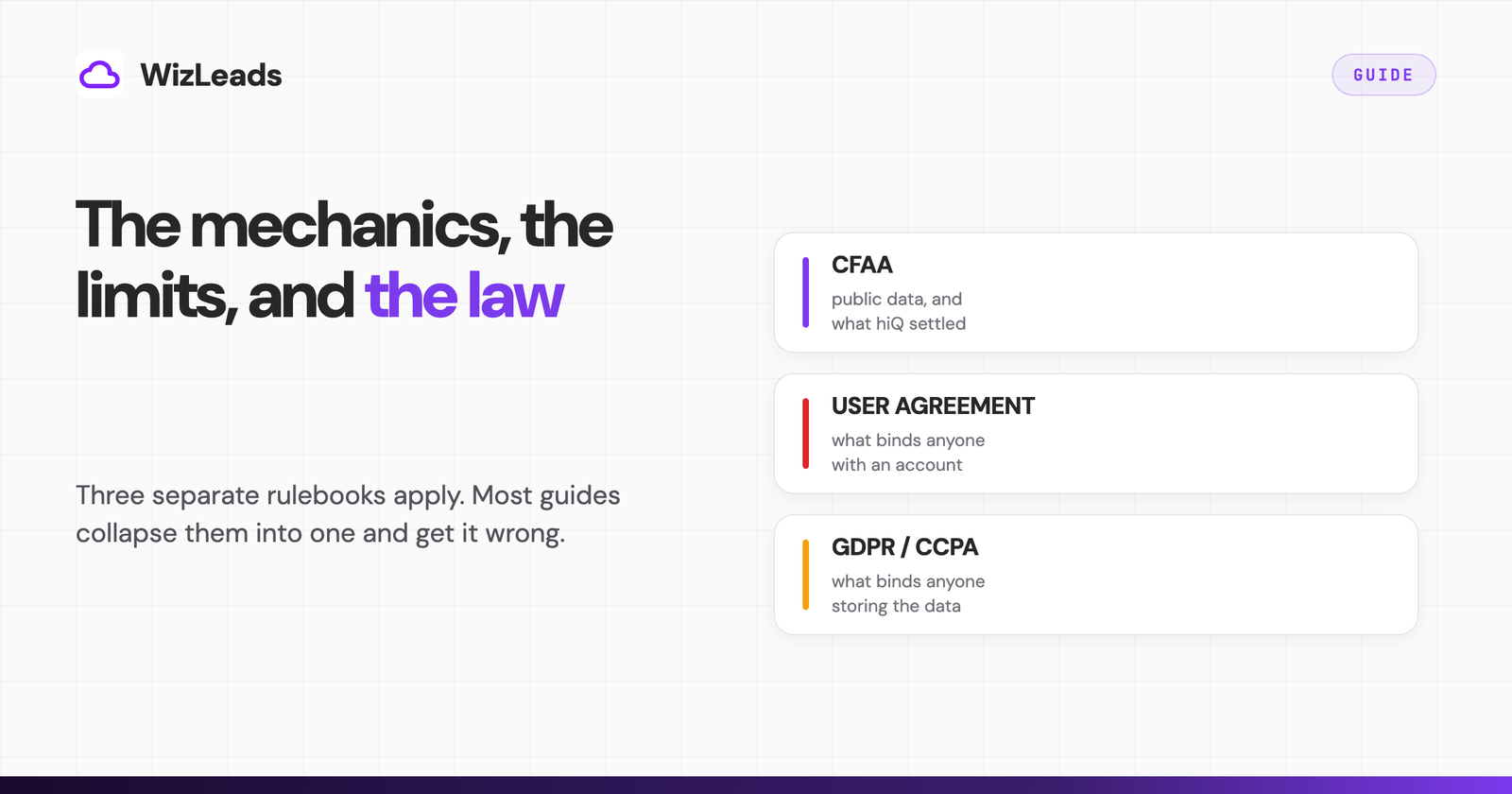
Three rulebooks, not one
The access statute. The CFAA reasoning in hiQ concerns liability for unauthorized access to a computer. It is Ninth Circuit law, from a preliminary-injunction posture, and the Supreme Court never reached the merits. Nothing in it obliges a website to let you in.
The user agreement. LinkedIn's User Agreement, effective 3 November 2025, lists in its section 8.2 "Don'ts" a prohibition on any attempt to "Develop, support or use software, devices, scripts, robots or any other means or processes (such as crawlers, browser plugins and add-ons or any other technology) to scrape or copy the Services." LinkedIn's robots.txt says the same thing in the first line of the file and sets Disallow: / for every user agent it has not named, with an application address, whitelist-crawl@linkedin.com, for anyone who wants permission. The consequence here is account-level rather than courtroom-level for almost everybody.
Data protection. Whether the collection was authorized is a separate question from whether you may keep what you collected. Under GDPR Article 14, personal data obtained from somewhere other than the data subject still triggers a notification duty toward that person, subject to the Article 14(5) exemptions that scrapers usually reach for, including notification that would take disproportionate effort. Regulators have been explicit that public accessibility does not remove the protection: in August 2023 a group of data protection authorities issued a joint statement on data scraping, sent to Microsoft, X Corp, Meta, ByteDance and others, and sixteen authorities including the ICO followed it up in October 2024. In California, the Delete Act adds a registration duty for businesses that knowingly collect and sell "to third parties the personal information of a consumer with whom the business does not have a direct relationship." Registration runs 1 to 31 January each year, and the fee for the 2026 cycle is $6,000.
That last one catches fewer people than it looks like it should. Scrape a list and email it yourself and you are not selling anything, so the data broker definition does not reach you. Build lists and hand them to clients as a deliverable and it is worth a proper look.
None of this is legal advice, and the three rulebooks land differently depending on where you and your prospects sit. Every document above is linked, so read the wording rather than a summary of it.
Three ways to run a scrape
The variable that matters is which account absorbs the automated activity, because that decides what breaks first when you push volume.
A browser extension runs inside your logged-in session and reads the page you are already looking at. Setup is a click, results are exactly what your network sees, and the account making every request is yours. Browser extensions are named on LinkedIn's prohibited software page alongside crawlers, bots and plug-ins, with a warning that such tools "may become non-operational without notice."
A session-cookie cloud tool asks for your li_at cookie and replays your session from its own servers. Your laptop leaves the loop, so exports run overnight, but the requests still arrive at LinkedIn carrying your identity. Vendors manage that with daily quotas rather than removing it, which is the honest position for the architecture.
Account-less cloud scraping runs the extraction on the vendor's infrastructure with no session of yours involved. No cookie to hand over, no account of yours to throttle. It costs more per lead, because the vendor absorbs what you would otherwise absorb.
Choosing between the three comes down to how replaceable your LinkedIn account is and how much volume you need per month. We put the named LinkedIn scraping tools in each category side by side, with prices, in the best LinkedIn scrapers.
The caps you will hit, in the order you hit them
Free accounts run into the Commercial Use Limit on people search. LinkedIn does not publish the number, says plainly that it cannot display how many searches you have left, and resets the allowance at midnight PST on the 1st of each month. Searching by name from the top bar does not count. Profile search and browsing People Also Viewed do.
Separately there is a Data Security Limit on profile views, calculated daily. LinkedIn's own wording names the activity: reaching it means "your activity on LinkedIn indicates that you're likely using LinkedIn for commercial use, like hiring, prospecting, or scraping," after which you temporarily cannot view profiles of non-connections. First-degree connections stay visible.
You will find a specific number attached to that limit across this query, usually around 50 profiles a day per user. It comes from a scraping vendor rather than from LinkedIn. LinkedIn confirms the limit exists, states that it varies, and says outright that it cannot show you how many views remain. Anyone quoting a threshold is quoting an estimate, and building a daily quota around it is how teams walk into the restriction they were trying to avoid.
Then the structural one. A Sales Navigator search shows up to 2,500 lead results across 100 pages, or 1,000 account results across 40 pages, whatever the total match count says. Saved lists cap at 1,000 leads each and 10,000 saved leads overall. A Core seat costs US$119.99 per month or US$1,079.88 per year, and none of that money raises the 2,500 ceiling.
The cap applies to one search, so the fix is to make the search smaller. Split by geography, headcount band, industry or seniority until each sub-search returns under 2,500, run them, then deduplicate. By hand, a 40,000-result territory is a day of work, which is why splitting gets automated.
How restrictions actually happen
LinkedIn publishes no safe volume, and restrictions rarely arrive in one step. The escalation is gradual and mostly invisible until you are inside it.
The soft limits above come first, without an announcement. LinkedIn cannot show you the counter and will not lift the limit on request, so the usual first symptom is a tool returning empty results and a human assuming the tool is broken. Above that sits identity verification: a checkpoint, a phone challenge, a temporary restriction while the account is reviewed. Above that, permanent restriction.
Velocity and pattern drive that escalation rather than a fixed daily number. Requests arriving faster than a person could click, from an IP that does not match the account's history, in a sequence with no idle time, are the signature. That is why the same tool behaves differently for two customers on one plan, and why a vendor quoting a safe daily limit is quoting an average.
If the requests never carry your session, none of those defences have anything of yours to act on. That is the whole argument for account-less extraction, and the reason it costs more.
Why the email is a separate purchase
The curl fetch returned employment history, education, location and headline, and no email address anywhere in the raw HTML. LinkedIn exposes no work email in search results at any subscription tier, and the contact info a member chooses to fill in sits behind sign-in and connection degree. Every scraped list therefore arrives with a hole where the contact detail should be, and every vendor fills it the same way: take the first name, last name and company domain, generate the plausible patterns, and test them until one answers.
That step is where lists diverge in quality, by more than most buyers expect. In our enrichment benchmark we ran the same 1,000 B2B leads through seven providers. Verified-valid find rates ranged from 25.9% to 67.0%, a spread of 2.6x on identical input. Learning how to scrape LinkedIn is the easy half. Getting a deliverable address out the other side decides whether the campaign sends.
Cost splits the same way, because a proven email has to be constructed and then tested while raw profile records are cheap in bulk. Any pricing comparison quoting a per-lead figure without saying whether an email is included is comparing two different products.
A workflow that survives contact with the limits
- Build the search in Sales Navigator, not in the scraper. Filters are where precision comes from, and a list that needs cleaning afterwards has already cost more than the scrape did.
- Read the result count before you export. Under 2,500, run it. Over, tighten the filters or use a tool that splits for you.
- Decide whose account carries the load before you pick a vendor. That choice alone determines whether daily quotas apply to you.
- Enrich and verify in the same pass. Two tools means two credit systems, two CSVs and a join, and the join is where records go missing.
- Read the catch-all column alongside the valid count. A vendor returning catch-all addresses as valid has moved the bounce from its report into your sender reputation.
- Suppress before you send. Existing customers, open opportunities, prior unsubscribes, anyone a teammate already contacted.
Steps 1 and 2 are the ones people skip and the ones that decide the run. The step-by-step export covers the mechanics of each route.
Where WizLeads sits in this
We built WizLeads around the two constraints this article keeps returning to, so weigh the next paragraph accordingly.
Account-less mode runs the extraction on our infrastructure, so no session of yours is used and there is no account for LinkedIn to throttle. It costs 2 credits per lead against the 1 credit charged when you connect your own account, which is the price of the isolation. Smart Link Splitting takes a search above the 2,500 ceiling, subdivides it along filters like geography and headcount, runs the parts in parallel and deduplicates the merged output. It needs the Agency plan or above, which is fair to hold against us at the entry tier.
Enrichment runs in the same pass at 3 credits per email found, nothing charged for a miss, and the export lands as a 35-column CSV covering the person, the role, the company and the email with its provider and catch-all status. A 5,000-lead task typically finishes in 15 to 20 minutes, and everything is reachable through a REST API.
Plans start at $39 a month for 10,000 credits: 10,000 leads scraped with a connected account, 5,000 account-less, or 3,333 enriched emails. New accounts get the first month for $1, then a flat 20% off for life. Running one real search through it tells you more in ten minutes than this section can.
FAQ
Is LinkedIn scraping legal?
Three separate questions hide inside that one. On the US computer-crime statute, the Ninth Circuit held in April 2022 that hiQ raised serious questions about whether the CFAA's "without authorization" clause reaches publicly available profile data, and it affirmed a preliminary injunction on that basis rather than deciding the case. On contract, LinkedIn's User Agreement section 8.2 prohibits using software, scripts, robots, crawlers or browser add-ons to scrape or copy the Services, and the same case ended in December 2022 with a $500,000 consent judgment against hiQ plus a permanent injunction. On data protection, GDPR and state privacy laws apply to the profile data itself once you store it, regardless of how you obtained it. This is a description of published documents, not legal advice.
Will LinkedIn ban you for scraping?
A ban is rarely the first thing that happens. LinkedIn's help centre documents a Commercial Use Limit on free search that resets at midnight PST on the 1st of each month, and a separate Data Security Limit on profile views, calculated daily, which names scraping directly and temporarily blocks you from viewing non-connections. LinkedIn also states that members using prohibited tools risk having their accounts restricted or shut down. Account-less cloud scraping removes the account from the path, because there is no session for LinkedIn to throttle.
Does LinkedIn allow web scraping?
No. LinkedIn's robots.txt opens with a notice that using robots or other automated means to access LinkedIn without express permission is strictly prohibited, and sets Disallow: / for every user agent other than named search crawlers. There is an application route: LinkedIn publishes whitelist-crawl@linkedin.com and a set of Crawling Terms and Conditions for approved crawlers.
How many results can you get from one Sales Navigator search?
LinkedIn's help centre states you can view up to 2,500 lead results across 100 pages, or 1,000 account results across 40 pages, on a Sales Navigator search results page. Saved lists cap separately at 1,000 leads per list and 10,000 saved leads in total. The 2,500 ceiling applies to one search, so the standard workaround is to split a large search by geography, headcount or industry and merge the outputs.
Can you get email addresses from LinkedIn?
Not from the profile. We fetched a public LinkedIn profile with curl and no cookies while writing this, and the raw HTML contained no email address in any form; contact details sat behind a sign-in panel. Work emails in a scraped list come from enrichment: a name and a company domain go through a pattern and lookup engine, and the result is verified before it reaches your CSV. Find rates across seven providers in our enrichment benchmark ranged from 25.9% to 67.0% verified-valid on the same 1,000 leads.
Is there a LinkedIn API for profile data?
Not one that solves prospecting. Microsoft's documentation states that use of the Profile API is restricted to developers approved by LinkedIn, that the standard permissions return name, photo, headline and vanity name for the authenticated user only, and that retrieving another member's profile requires a Person ID available through certain limited access APIs. No public endpoint takes a search query and returns matching people.