WizLeads


TL;DR
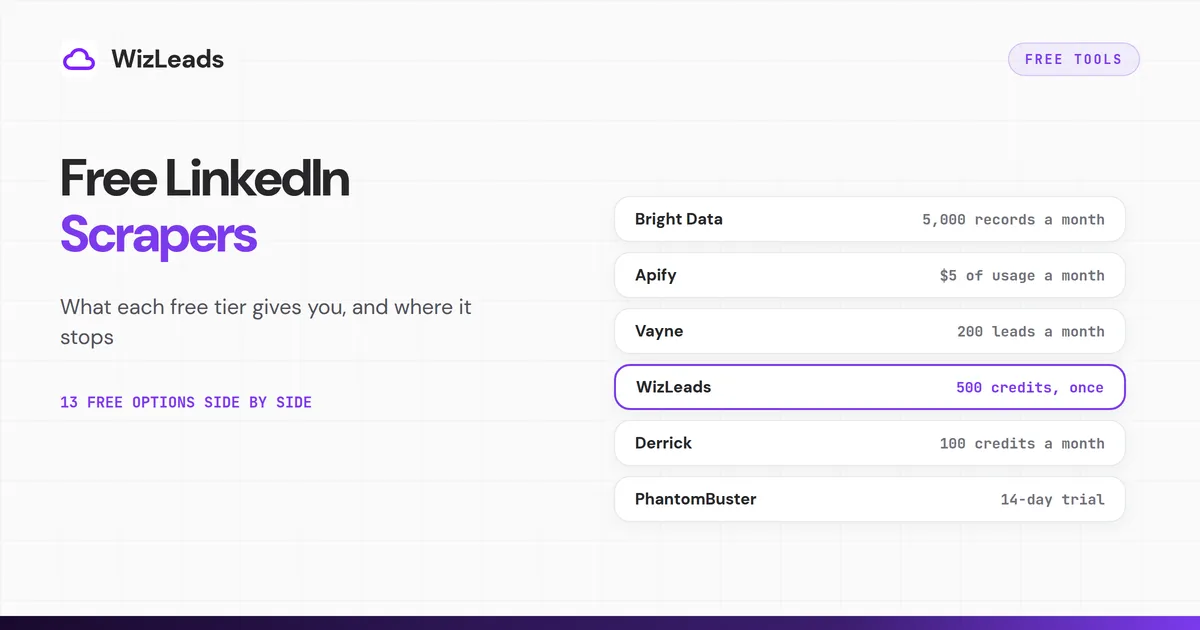
Of the hosted scrapers on this list, Bright Data has the biggest free allowance. Its LinkedIn scraper page offers 5,000 free records per month and asks for no card. Apify's $5 monthly credit covers up to 1,250 profiles on one popular actor. For Sales Navigator leads, Vayne lists 200 a month and WizLeads gives 500 credits once.
- Bright Data: 5,000 free records a month on its servers. It takes profile URLs.
- Apify: $5 of usage a month. One popular actor says it needs no cookies or account.
- Octoparse: a free plan that runs on your computer. Its own guide favors jobs and public pages.
- Vayne: 200 Sales Navigator leads a month. Emails are sold separately.
- WizLeads: 500 credits, once. Its scraper takes Sales Navigator search URLs, not free LinkedIn searches.
- Derrick: 100 credits a month, priced in euros. Email finding is on a paid plan.
- Scrupp: 100 credits a month. Emails and phone numbers cost extra credits.
- Lobstr: 100 credits a month, with exports capped at 30 rows per request.
- Skrapp: 50 credits. List exports sit on the Professional plan.
- PhantomBuster: a 14-day trial with exports limited to 10 rows.
- Profile Scraper for LinkedIn: a Chrome extension that exports up to 10 rows free each time.
- joeyism/linkedin_scraper: free Python code that needs your logged-in session.
- LinkedIn's data download: free, and it holds only your own data.
What free means here
A free LinkedIn scraping tool can mean a monthly allowance, a one-time sample, a trial or open-source code. Those are four different offers. If you searched for a linkedin scraper free of charge, this list shows what each of 13 options hands you before it asks for money.
The list sorts by two things. The first is how much the free option gives you and what stops you. The second is whose LinkedIn session does the work, because that decides whose account is exposed. Bright Data and Apify run on the vendor's side, and Vayne and WizLeads offer a mode that does too. The rest use your LinkedIn session, your browser or your own machine.
LinkedIn's help page on prohibited software says it does not permit third-party software that scrapes or automates its site. It adds that members who use such tools risk having their accounts restricted or shut down. LinkedIn's User Agreement also bars software, scripts and bots used to scrape or copy the Services, including profiles.
LinkedIn's robots.txt opens with a notice that automated access without its express permission is strictly prohibited, and it blocks GPTBot, ChatGPT-User, ClaudeBot, PerplexityBot and CCBot from the whole site. OpenAI's search crawler, OAI-SearchBot, is blocked only from listed paths such as people search.
Each tool below gets the same four lines: free tier, whose session, main limit and next step. Where a vendor's own pages disagree, the text says so.
The thirteen options side by side
| Tool | Free tier | What you get | Main limit |
|---|---|---|---|
| Bright Data | 5,000 records a month, no card | Scraper API for LinkedIn profiles, companies, jobs, posts and people search | A call takes target URLs; $1.5 per 1,000 records after |
| Apify | $5 of usage a month, no card | Store actors; one lists no cookies or account needed | $0.004 per profile on that actor; $0.01 with email search |
| Octoparse | Free plan: 10 tasks, 1 device, 50,000 rows a month | No-code scraper that runs on your machine | Its guide says people search pushes toward login |
| Vayne | 200 leads a month, no card | Full Sales Navigator scraper with CSV export | Enrichment credits are bought separately |
| WizLeads | 500 credits, once | Sales Navigator search scraper | Needs a Sales Navigator search URL; no free LinkedIn search |
| Derrick | 100 credits a month, no card | LinkedIn and Sales Navigator lead import | Email finder starts on the €20 plan |
| Scrupp | 100 credits, resets monthly | Sales Navigator and LinkedIn export by extension | Emails and phones cost extra credits |
| Lobstr | 100 credits a month | Sales Navigator leads by extension | 30 rows per request, no scheduling |
| Skrapp | 50 credits, no card | Email finder, verifier and LinkedIn integrations | List exports start on Professional |
| PhantomBuster | 14-day trial | Automations on your account | Exports limited to 10 rows |
| Profile Scraper for LinkedIn | Up to 10 rows free per export | Chrome extension for people search | Pro needed to export more |
| joeyism/linkedin_scraper | Free code | Python library for profiles | Needs a session file; upkeep is yours |
| LinkedIn data download | Free | Archive of your own data | Your own data only |
Tools that run on the vendor's side
Bright Data
Free tier: Bright Data's LinkedIn scraper page lists 5,000 free records per month and asks for no card. A record is one extracted item, such as one LinkedIn profile.
Whose session: Collection runs on Bright Data's side through an API. You send target URLs, and Bright Data fetches them.
Main limit: One call takes up to 5,000 target URLs, so you decide which profiles to fetch. The page lists scrapers for profiles, companies, jobs, posts and people search.
Next step: Pay as you go is $1.5 per 1,000 records, which is $0.0015 a record. Scale is $499 a month with 384,000 records, and extra records cost $1.3 per 1,000.
Apify
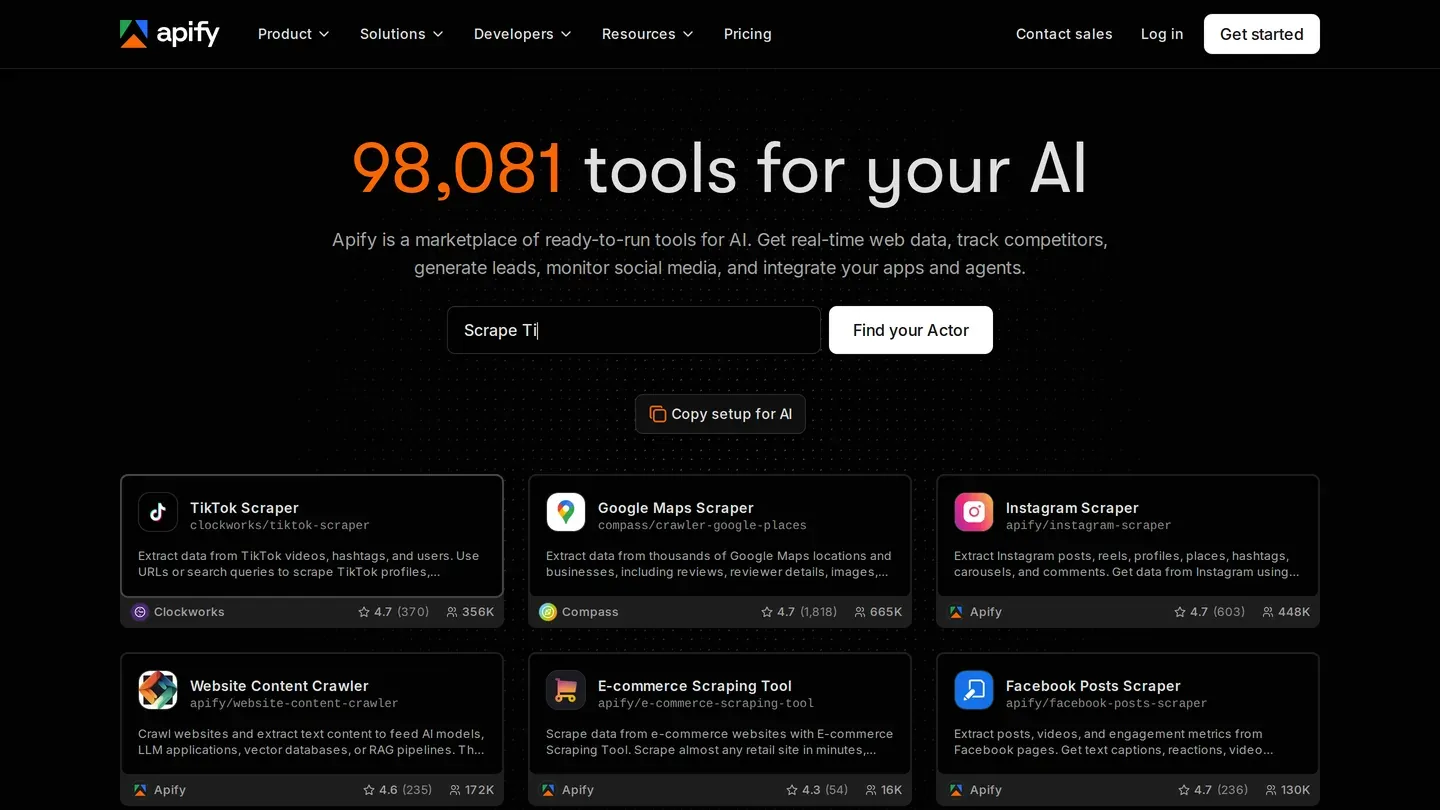
Free tier: Apify's pricing page shows a Free plan at $0 with $5 of prepaid usage a month and no card. Compute costs $0.2 per compute unit. The $5 can pay for actors from the Apify Store.
A September 2026 r/developersIndia thread shows how people find it. A student asked for a free scraper for 50 to 60 profiles, and the top reply pointed to Apify's free tier.
Whose session: It depends on the actor. The harvestapi profile scraper is titled "No Cookies", and its store listing says no cookies or account are required. A second popular actor, curious_coder's, warns on its listing that viewing more than 300 to 400 profiles a day will bring a LinkedIn account warning.
Main limit: The harvestapi actor charges $0.004 per profile, or $0.01 with email search. So $5 buys up to 1,250 profiles, or up to 500 with email search. Those are upper bounds, because the listing does not state compute charges on top.
Next step: Apify's pricing page says a Free account that uses up its $5 is blocked until the next billing cycle. Starter is $19 a month with $19 of usage, and this actor's price stays $0.004 a profile.
Sales Navigator scrapers with a free tier
These tools start from a Sales Navigator search or list. Derrick, Scrupp, Lobstr and Skrapp run on your session. Vayne and WizLeads also offer a mode that does not.
Vayne
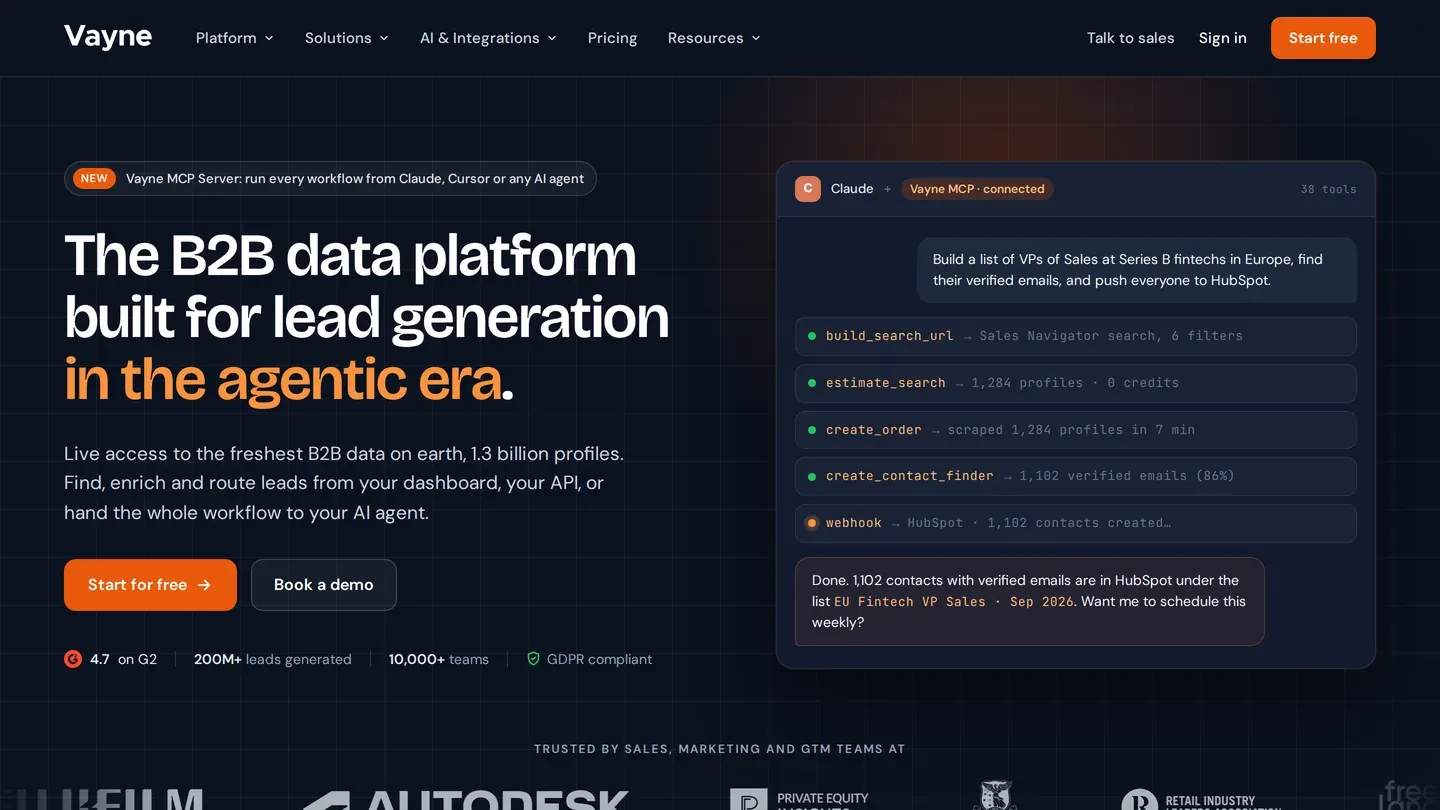
Free tier: Vayne's pricing page offers 200 leads a month on the full Sales Navigator scraper, with no card and no time limit. CSV export, duplicate detection and data cleaning come with it.
Whose session: Either one. Vayne's scraper page lists 1 credit per profile on your own session. In cookie-less mode, which needs no LinkedIn login, cookie or seat, it lists 2 credits per delivered profile.
Vayne's own pages differ on one point. The pricing table lists cookie-less as "on request", while the scraper page says both modes ship on every plan.
Main limit: Enrichment credits are not included in any plan, the free one too. You buy them whenever you need emails.
Next step: Freelance is $29 a month for 10,000 leads. Emails are extra: enrichment packs start at $19 for 500 credits, and one credit buys one verified email.
WizLeads
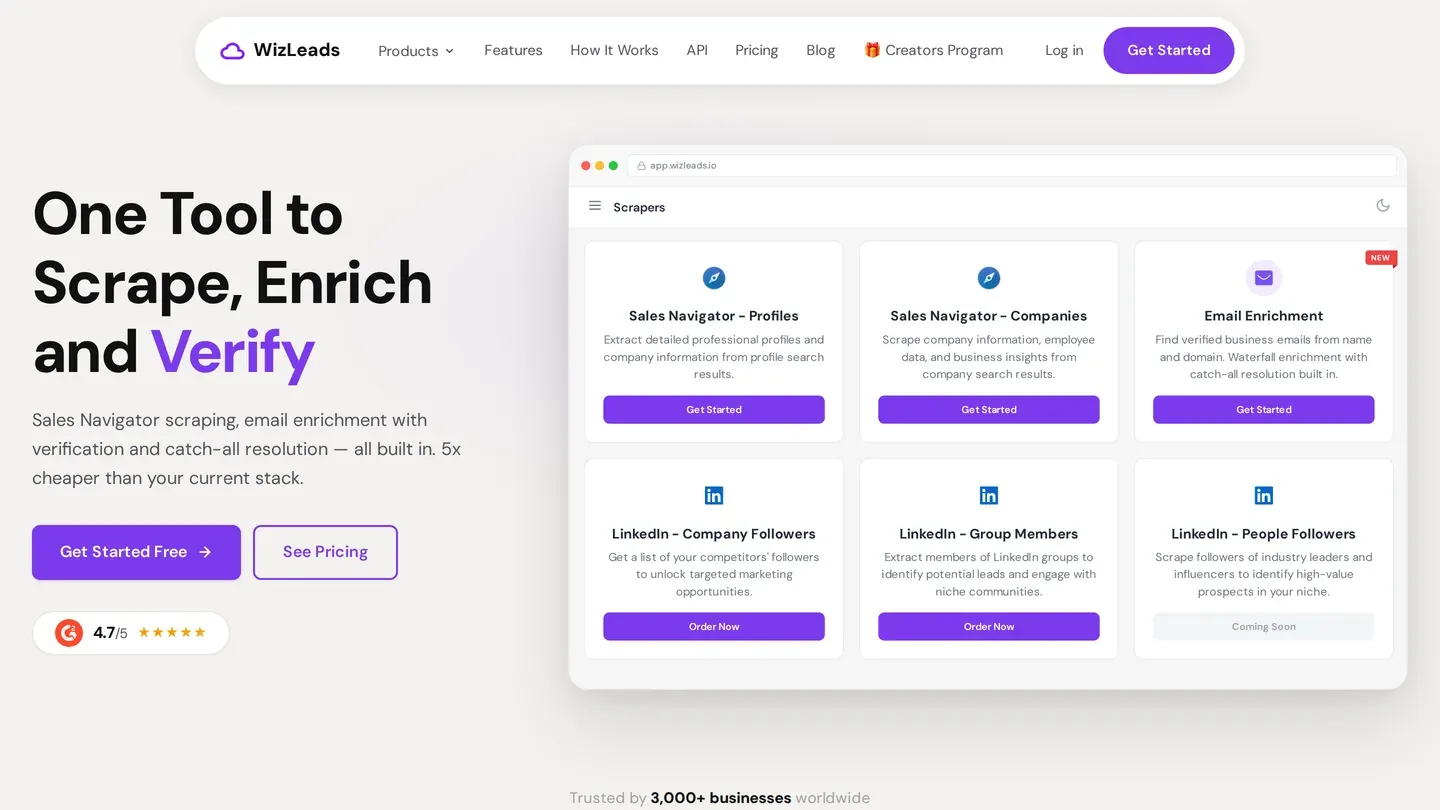
Free tier: WizLeads' free tier is 500 credits, given once, with no monthly refill. They go on its scraper for Sales Navigator searches. That is 500 leads with a connected account, or 250 in account-less mode.
Whose session: Your choice. Connected mode runs on your own LinkedIn account, and LinkedIn's help page on prohibited software says members who use scraping tools risk having accounts restricted or shut down. Account-less mode runs the scrape without your account or an active seat.
Main limit: WizLeads scrapes Sales Navigator searches. It does not scrape free LinkedIn search results. It also needs a Sales Navigator search URL, and building one takes Sales Navigator access.
Next step: The Freelancer plan is $39 a month for 10,000 credits. A lead costs 1 credit connected or 2 account-less, so that is 5,000 account-less leads, or $7.80 per 1,000 as a unit cost. A work email costs 3 credits per email found, and misses are free. Verifying an email costs 0.5 credits per email processed.
Derrick
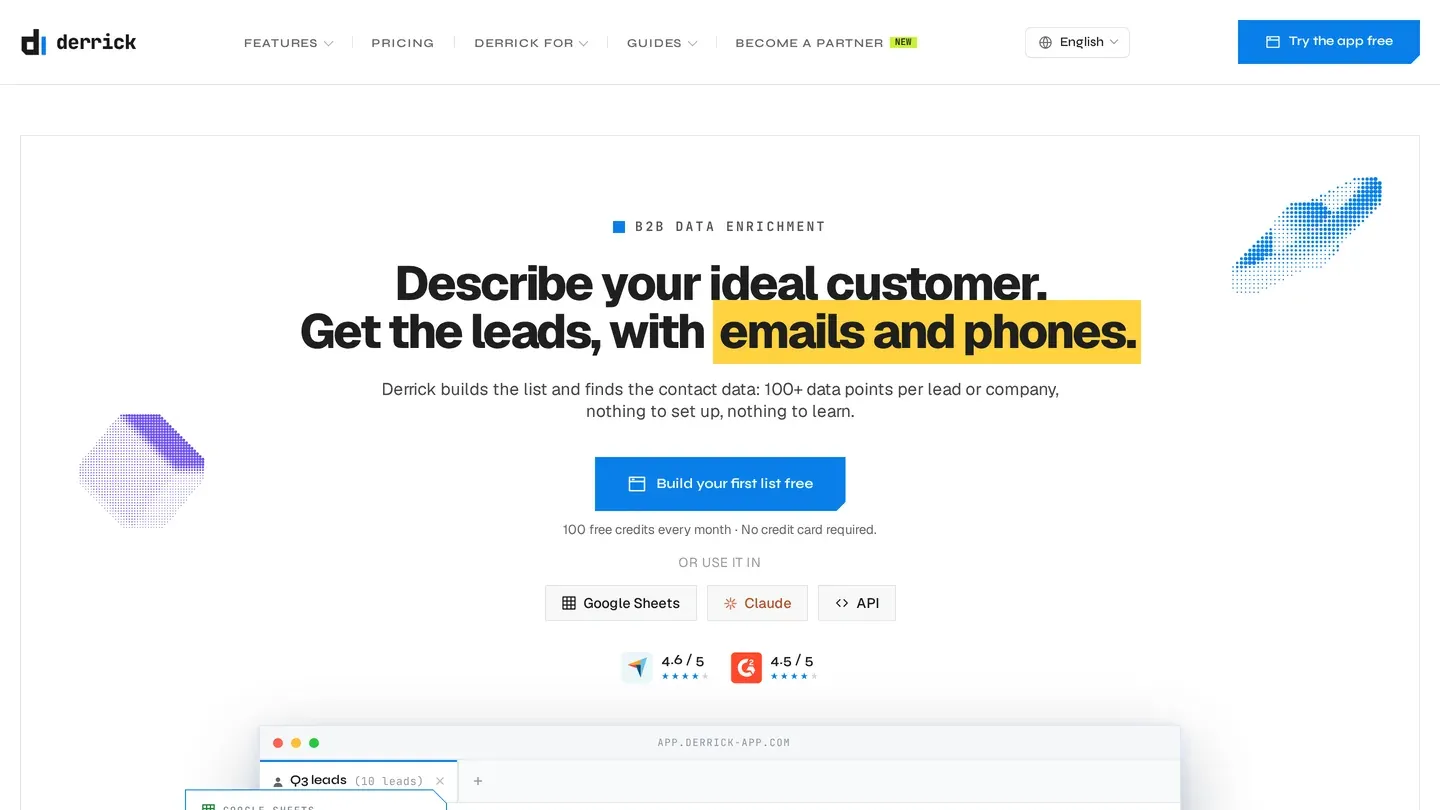
Free tier: Derrick's pricing page lists a Free plan at €0 with 100 credits a month and no card. Importing a LinkedIn lead, regular or Sales Navigator, costs 1 credit per lead. That makes 100 leads a month.
Whose session: Yours. For Sales Navigator, Derrick's Chrome extension, Derrick Helper, passes your LinkedIn session token to the sheet.
Main limit: Prices are in euros, and the email finder is not on the Free plan.
Next step: Standard is €20 a month for 10,000 credits. A found email costs 5 credits.
Scrupp
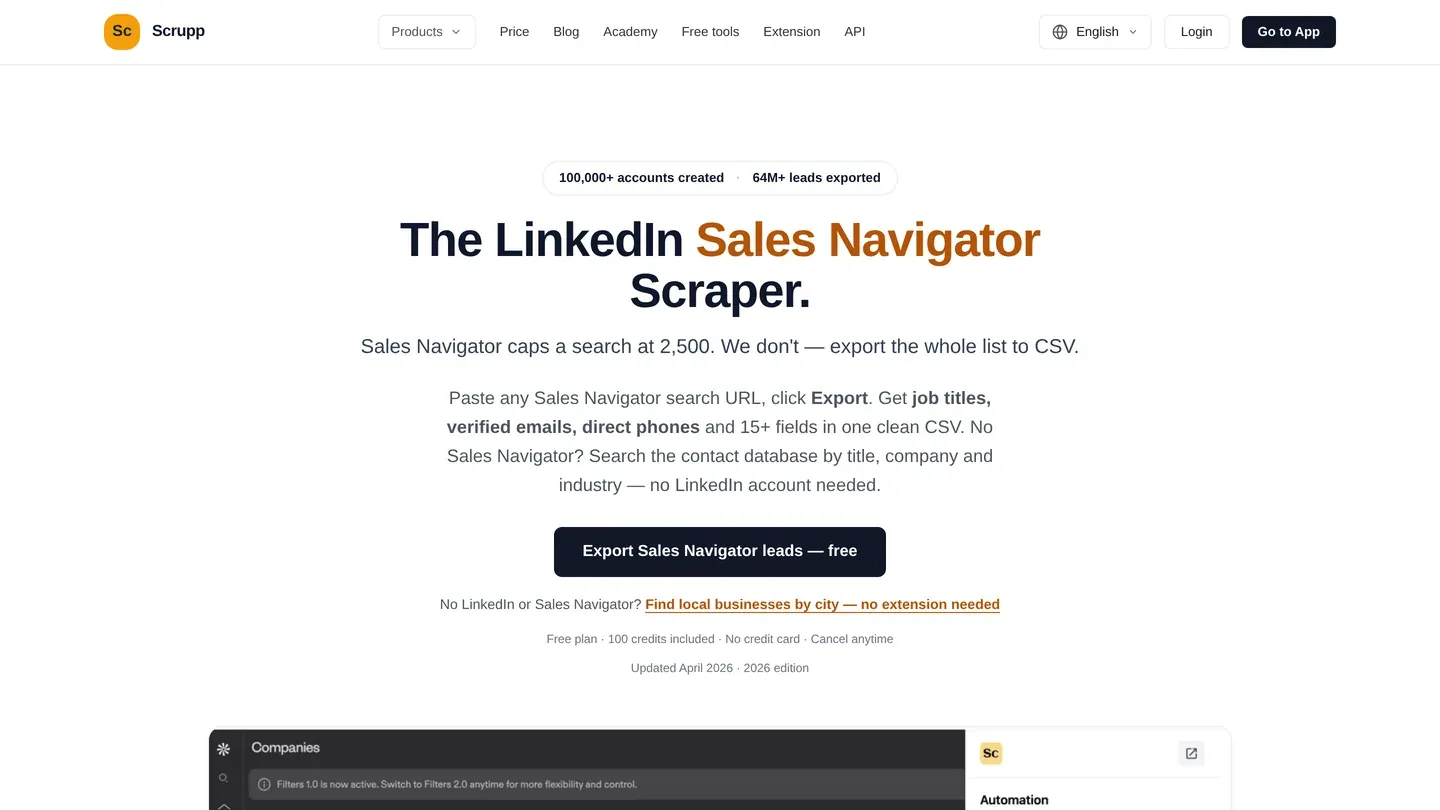
Free tier: Scrupp's price page offers 100 credits with no card, and free credits reset to 100 each month. Scraping one lead costs 1 credit.
Whose session: Yours. The Chrome extension connects to your LinkedIn or Apollo session so Scrupp can read your cookies. The scraping then runs in the cloud, so you can close the browser once the export starts.
Main limit: Extras add up. Each email found adds 1 credit and each phone number adds 2. A lead with both costs 4 credits, so 100 credits cover 25 of them. The scraping credit is charged even when nothing is found.
Next step: The monthly ladder on the price page starts at $29 for 1,000 credits.
Lobstr
Free tier: Lobstr's pricing page lists a free plan with 100 credits a month at $0.
Whose session: Yours. Lobstr says it syncs with your Sales Navigator account through a Chrome extension. It uses session cookies, not your username or password.
Main limit: Free-plan exports are capped at 30 rows per request, and scheduling is off. Scrapers marked Premium open only on paid plans, so confirm in the app that the Sales Navigator one is not among them.
Lobstr's help center says an enriched lead costs 10 credits: 1 to scrape the profile, always charged, and 9 for the email, charged only when one is found. So 100 credits mean 100 plain leads or 10 enriched ones.
Next step: Starter is $20 a month for 10,000 credits, with unlimited export.
Skrapp
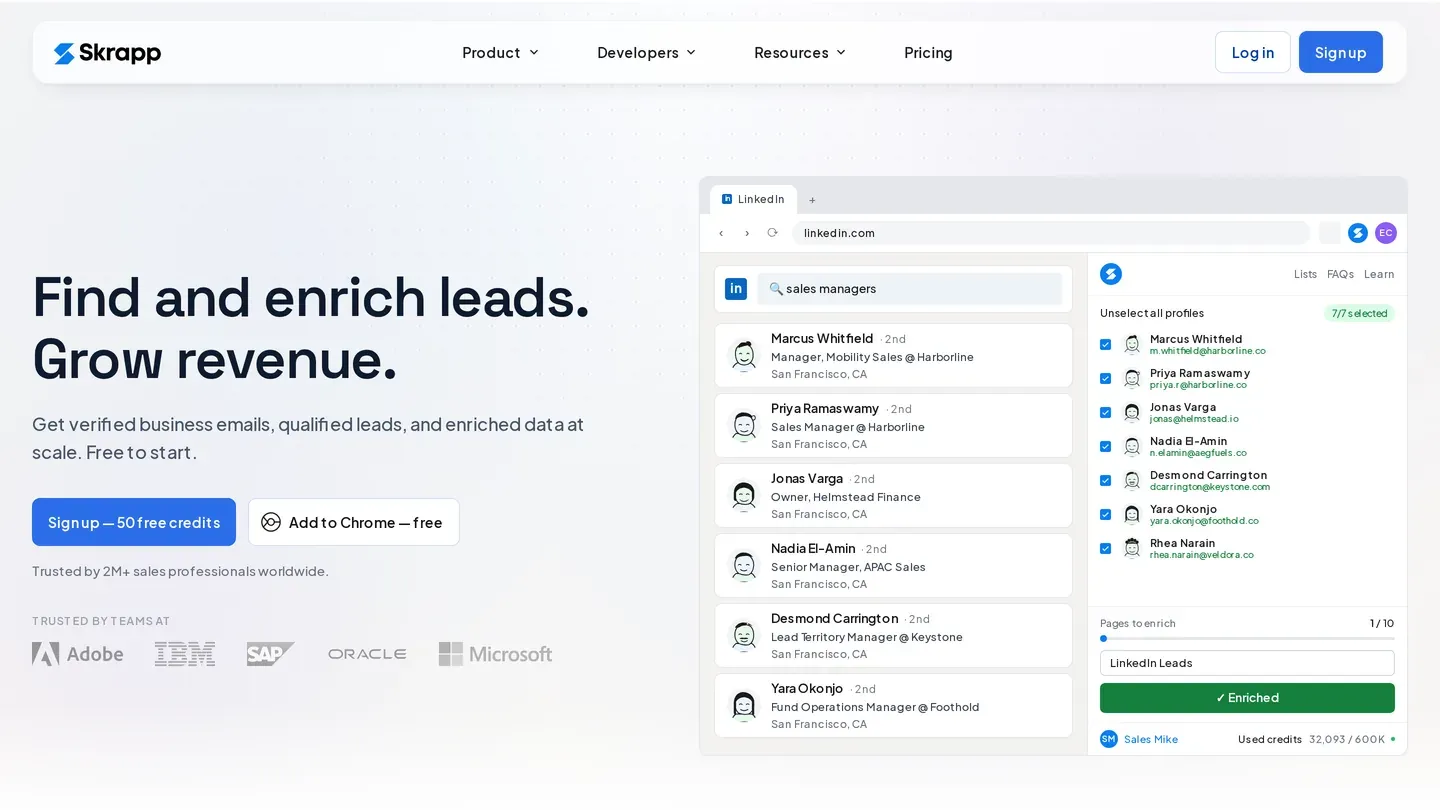
Free tier: Skrapp's pricing page offers a Free plan with 50 credits and no card. It includes the email finder, the email verifier and integrations for LinkedIn Basic, Sales Navigator and LinkedIn Recruiter. The page states no refill period.
Whose session: Yours. Skrapp's homepage shows its Chrome extension working beside a LinkedIn search page you have open.
Main limit: The Professional card lists List Exports, List Saver for Sales Navigator and CRM sync as additions to Free. On the free plan you can find emails, but list export is a paid feature.
Next step: Professional, which adds those list tools and AI enrichment.
Local apps, extensions, code and trials
Octoparse
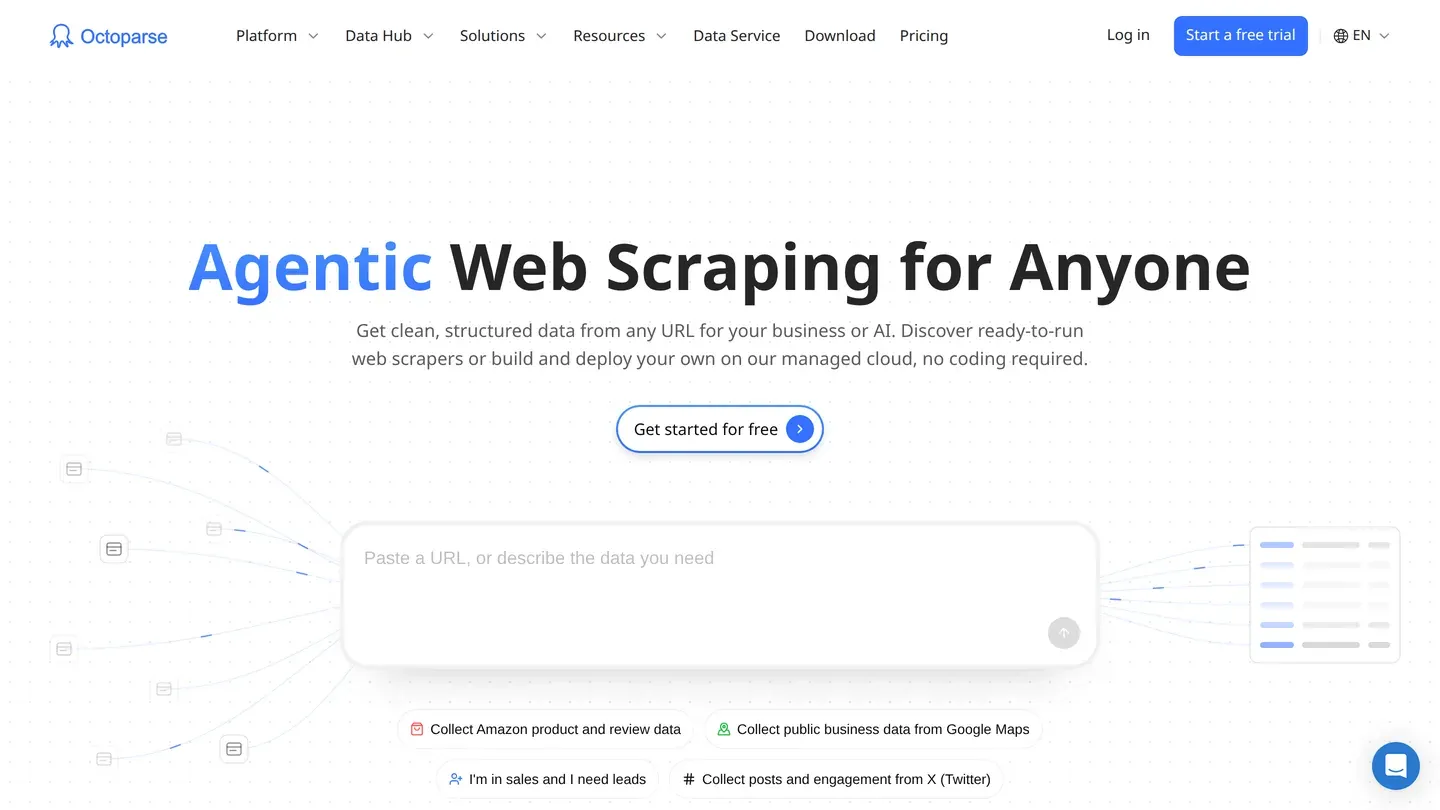
Free tier: Octoparse's pricing page calls the Free plan free forever, with no card. You get 10 tasks, 1 device, local extraction and up to 50,000 rows of export a month.
Whose session: Your machine. Free-plan extraction runs locally, so the job uses your computer and your connection. Cloud extraction is a paid feature.
Main limit: Octoparse's own LinkedIn guide says job postings are the most practical target, because they are meant for public discovery. It says search and people discovery are more constrained and often push users toward login. It adds that logged-in scraping can put accounts at risk and may break platform rules.
Next step: Standard is $69 a month billed annually, with 100 tasks and cloud extraction with up to 3 concurrent cloud processes.
PhantomBuster
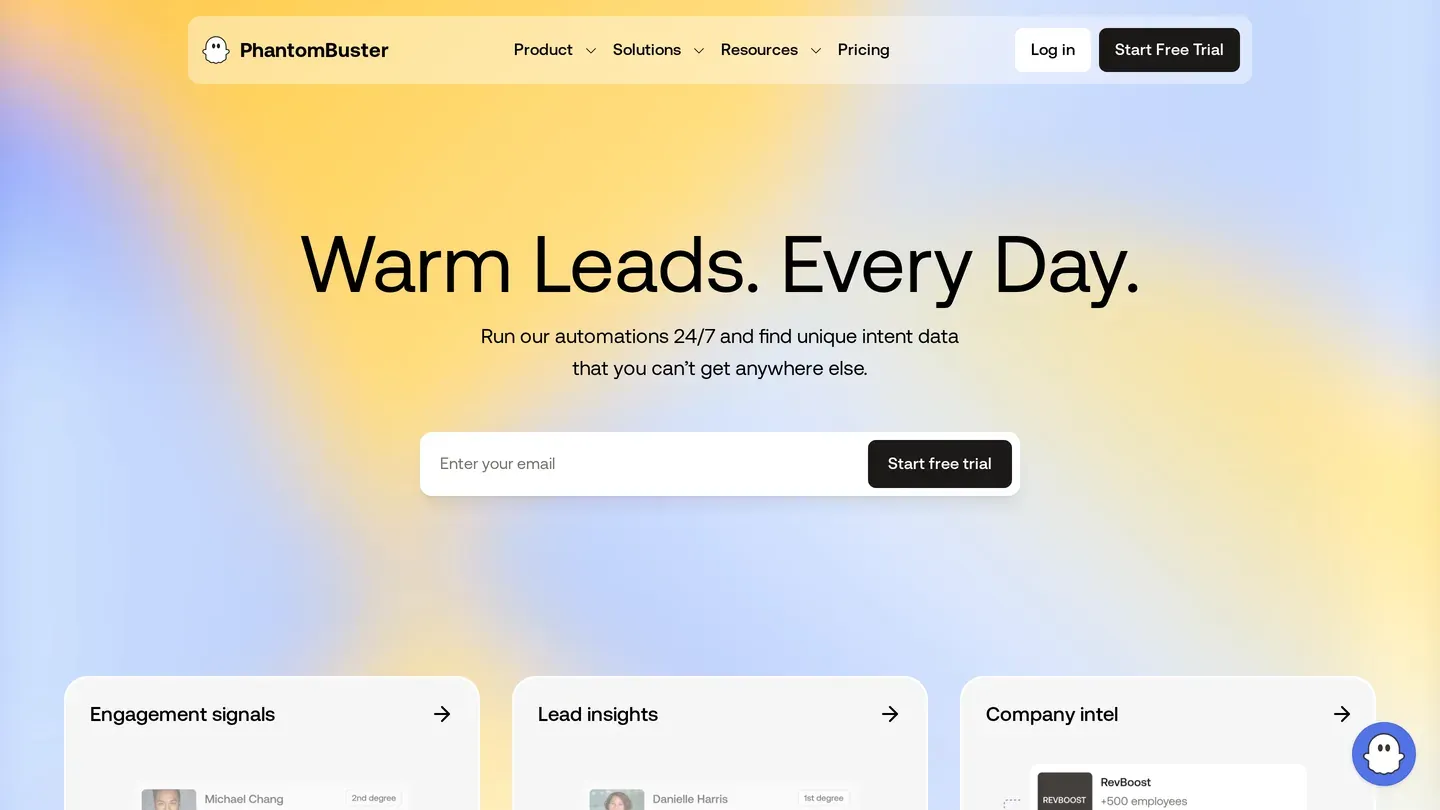
Free tier: PhantomBuster's pricing page shows a Trial, not a free plan. It lasts 14 days, needs no card, and includes 5 automation slots, 2 hours of execution time and 50 email credits.
Whose session: Yours. PhantomBuster's help page says you connect your LinkedIn or Sales Navigator account with its browser extension, which detects your session. You can also sign in once with credentials, which it says it does not store.
Main limit: The Trial limits exports to 10 rows. The page lists unlimited exports on the next plan up.
Next step: Start is $56 a month billed annually, which is $672 a year. It adds 20 hours of execution and 500 email credits a month.
Profile Scraper for LinkedIn
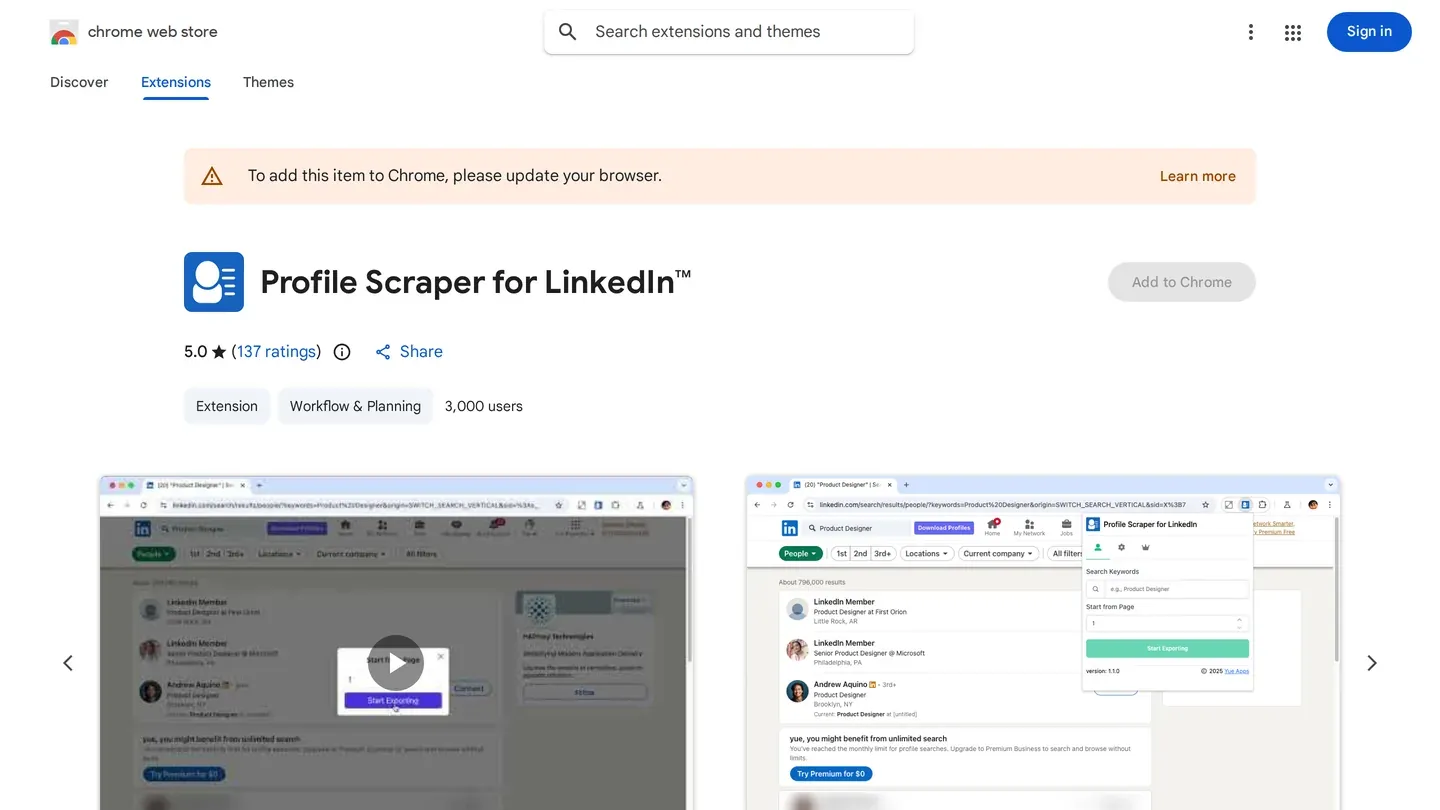
Free tier: The Chrome Web Store listing says you can export up to 10 data entries for free each time. It caps each fetch at 1,000 profiles.
Whose session: Yours. The listing's screenshots show it running on a LinkedIn people search in your browser.
Main limit: The listing shows 3,000 users and 5.0 from 137 ratings, with version 1.6.0 updated on September 19, 2026. The developer discloses that it will not collect or use your data.
This is typical of free extensions: a free LinkedIn data scraper that exports a few rows, then asks you to upgrade. PhantomBuster's Trial caps exports at 10 rows and Lobstr's free plan at 30.
Next step: Pro, which the listing's terms name as the way to export more.
joeyism/linkedin_scraper
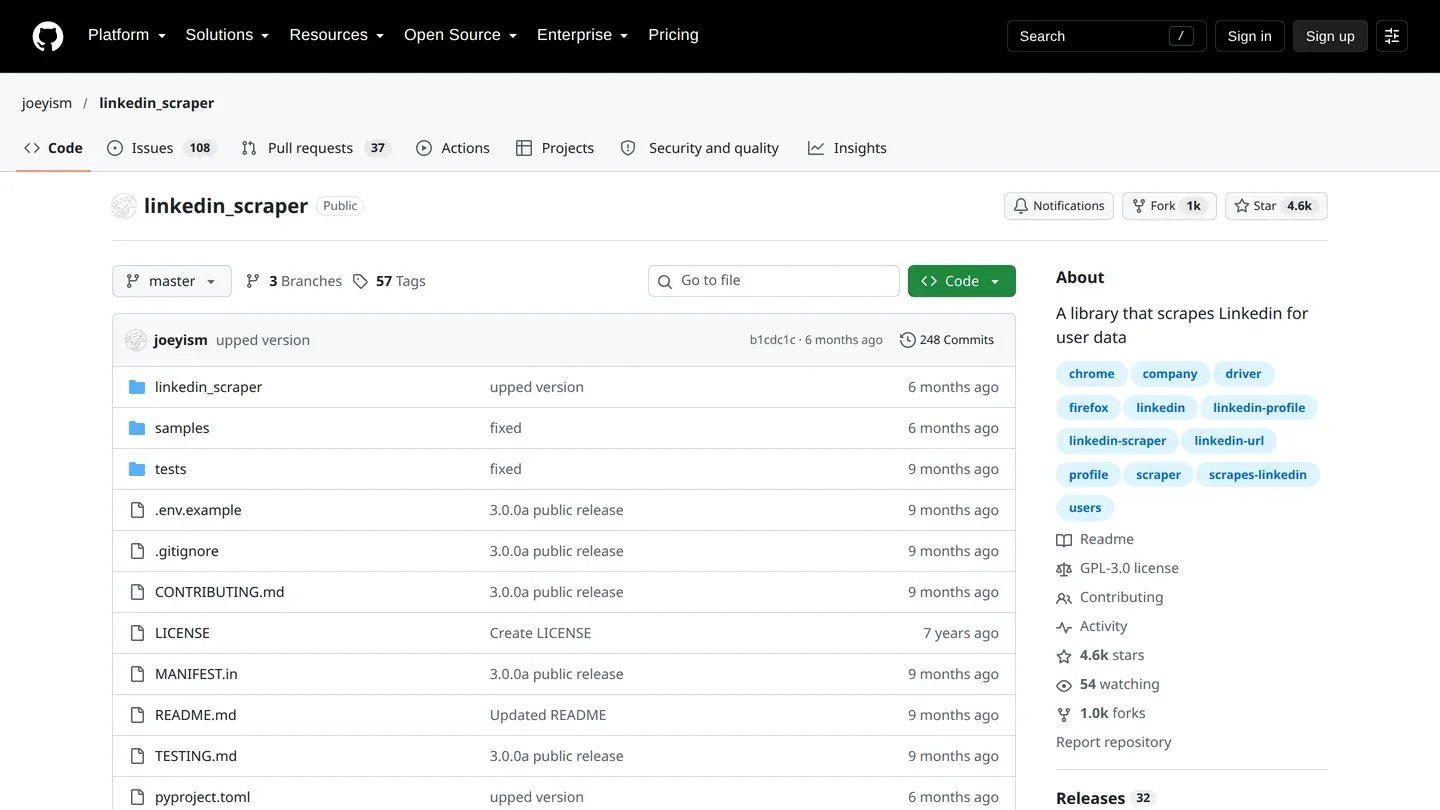
Free tier: This open source LinkedIn scraper is free Python code. The joeyism/linkedin_scraper repository has 4,619 stars and 1,008 forks. Its latest release is v3.1.2, from April 2026.
Whose session: Yours. The README says LinkedIn requires authentication, so you first create a session file, by logging in by hand or with credentials. Every request then runs on your account.
Main limit: Version 3 is a Playwright rewrite, and the README says it is not backwards compatible. Older tutorials may not run. The January 2026 commits fix login detection, and the April 2026 one fixes the job scraper and adds a login test. The README calls the tool educational and asks you to follow LinkedIn's Terms of Service. Pacing and upkeep are yours.
Next step: There is no paid tier. The cost is your time.
Your own network: LinkedIn's data download
Free tier: LinkedIn's data download costs nothing. Open the Me icon, then Settings & Privacy, then Data Privacy. Under How LinkedIn uses your data, choose Download your data, pick what you want and select Request archive.
LinkedIn's help page says a specific category arrives by email within minutes and the larger download within 24 hours. The same page lists Connections under "Available within 48 hours", so plan for the longer wait. The link works for 72 hours, and the feature is not available on mobile.
Whose session: Yours. It is your own account asking for your own data.
Main limit: The Connections file holds first and last name, public profile URL, email address, company, position and connection date for your first-degree connections. A connection's email appears only when they allow it in their privacy settings. LinkedIn provides only your own data, and no People You May Know or Who's Viewed Your Profile data.
Next step: LinkedIn runs a Member Portability API program that lets EU, EEA and Switzerland members reach their data programmatically.
What free tiers leave out
Work emails. Emails sit on their own meter, and most free tiers here buy few or none. Vayne sells enrichment packs apart from scraping credits. Per email found, Scrupp adds 1 credit, WizLeads 3, Derrick 5 on its paid plans and Lobstr 9. Skrapp's 50 free credits go to its email finder, and PhantomBuster's Trial includes 50 email credits.
Sales Navigator itself. The tools in the middle group start from a Sales Navigator search, and that subscription is not free. LinkedIn's compare-plans page lists Core at US$119.99 a month or US$1,079.88 a year, and Advanced at US$159.99 a month or US$1,799.88 a year.
Tools that no longer qualify
Two tools that used to fit this list no longer do. Wiza's help center says bulk export and multi-select are gone from LinkedIn, Sales Navigator and Recruiter search, list and company pages, for all accounts and plans. The extension still works on individual profiles. Proxycurl's own site says Proxycurl is no longer in service and points to NinjaPear instead.
When free stops being enough
Free covers a small job. The student above needed 50 to 60 profiles, and most allowances on this list fit that. Skrapp's 50 credits and PhantomBuster's 10-row Trial exports fall short. Vayne's 200 leads a month cover a small Sales Navigator list, and only if you skip the emails. Of the hosted scrapers, Bright Data's 5,000 records a month go furthest, and Apify's $5 tops out near 1,250 profiles. Octoparse's free plan allows up to 50,000 rows of export per month, but it runs on your machine and its own guide steers you to public job pages.
Cost per row changes once you pay. Bright Data's $0.0015 a record works from URLs you already hold. WizLeads' Freelancer plan works out to $3.90 per 1,000 leads with a connected account, as a unit cost, and it starts from a Sales Navigator search instead of a URL list. If you have the profile URLs and need no search, Bright Data's rate is the lower one.
How to choose
- Your own connections only: LinkedIn's data download.
- Public profiles you already have URLs for: Bright Data's free records, or Apify's $5 credit.
- Sales Navigator leads without paying: Vayne at 200 a month, WizLeads at 500 credits once, or Derrick, Scrupp and Lobstr at 100 a month.
- Public job and company pages: Octoparse on your own machine.
- Code you control, on your own session: joeyism/linkedin_scraper, with the account risk that brings.