WizLeads
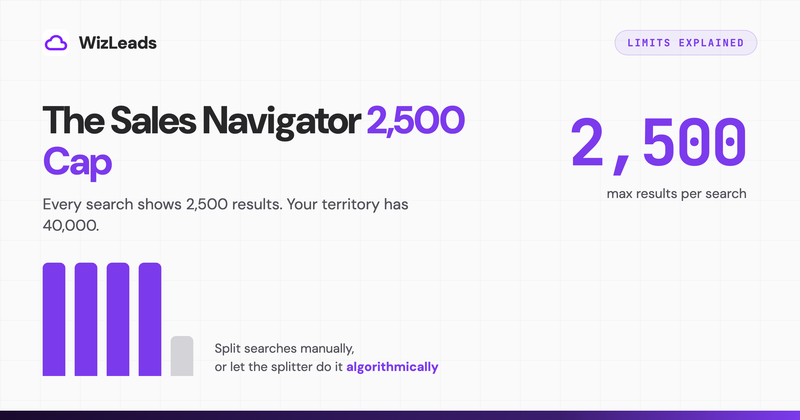

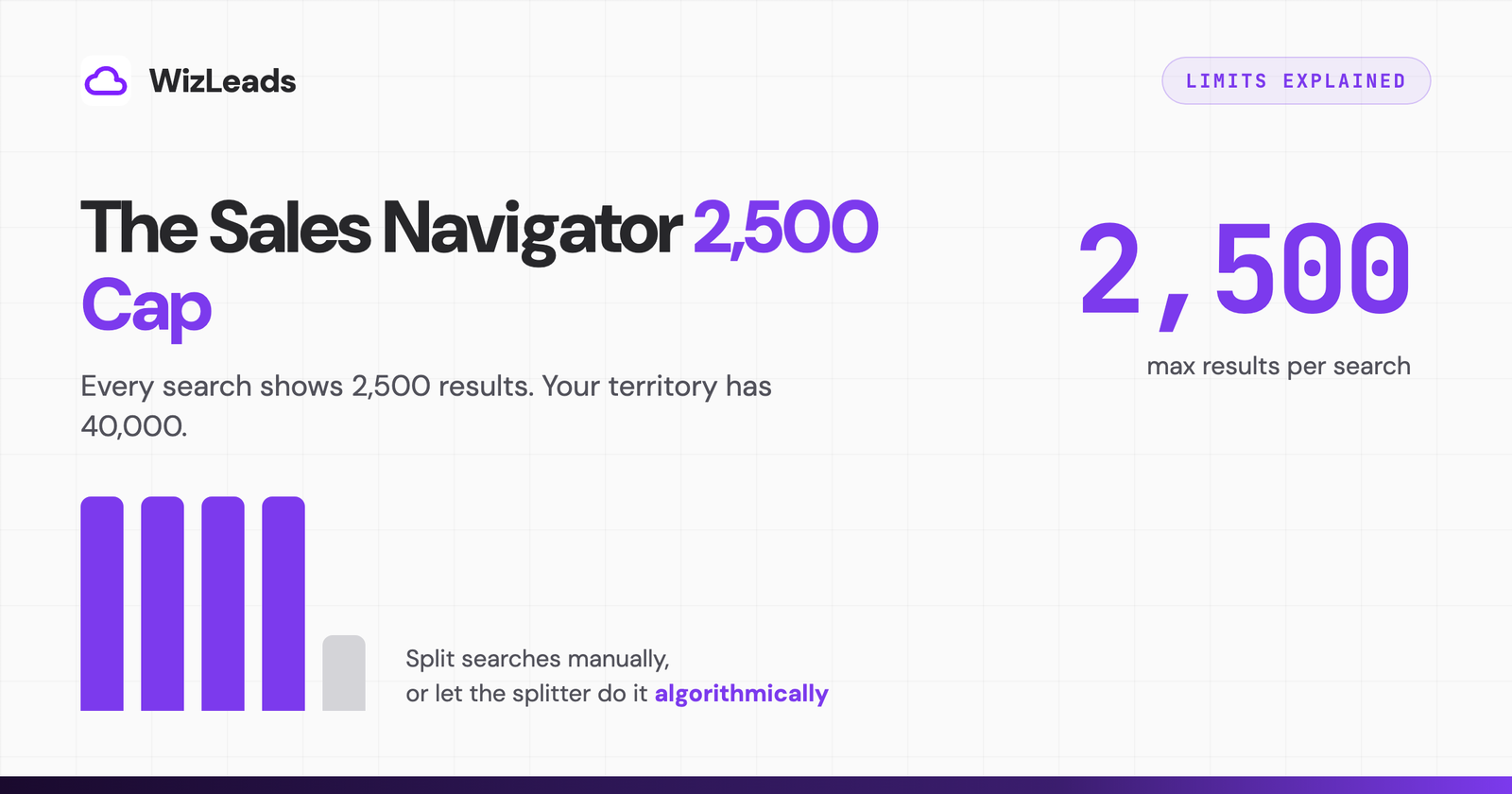
The Sales Navigator export limit is 2,500 results per people search and 1,000 per company search. Not 2,500 per day or per account: per search. Run a search matching 40,000 prospects and Sales Navigator will show you, and let any tool export, exactly 2,500 of them. The other 37,500 exist behind a wall the interface never acknowledges. The first time I hit this cap I assumed I was doing something wrong. I was not, and neither are you. This post covers every limit that actually applies, why the workarounds vendors advertise mostly mean "you do the splitting," and how I get a full-territory export in one run.
Every limit that applies, in one table
| Limit | Value | Applies to |
|---|---|---|
| People search display cap | 2,500 results (100 pages × 25) | every search, every plan |
| Company search display cap | 1,000 results | every search, every plan |
| Lead list size | 1,000 leads per list, 10,000 saved in total | Sales Navigator lists |
| Commercial Use Limit | monthly search quota on free accounts, undisclosed and reset on the 1st | free accounts; a paid seat lifts it |
| Profile-view velocity | undisclosed, activity-based, daily | any account, including paid |
| Tool daily quotas | commonly ~2,500 profiles/day | imposed by scrapers, not LinkedIn |
The two caps that bite are the display caps and the velocity limits. The display cap bounds how much one search can ever yield. The velocity limits bound how fast any tool working through your account can move before LinkedIn restricts it, which is why extension scrapers ship with daily quotas. The quota is account self-defense, not generosity.
Why the cap costs more than it looks
Most teams meet the cap and respond by manually splitting searches: one search per US state, or per headcount band, or per industry. It works, and it is what most export tools' help docs tell you to do. I ran territories this way for years, so I can price out exactly what it costs:
Your hours. A 40,000-result ICP needs at least 16 sub-searches to fit under the cap, and every one of them has to be built, saved, exported, and tracked by hand. With filter combinations that do not divide evenly, real segment counts run higher.
Overlap and gaps. Filter-based splits are not partitions. Companies span industries, people hold multiple titles, and territory boundaries overlap, so merged exports carry duplicates while other prospects fall between segment definitions and never get exported at all.
Stale coverage. Because manual splitting is tedious, teams do it quarterly instead of continuously, then work old data. B2B contact data decays faster than a quarterly refresh keeps up with, though slower than the figure everyone repeats. Lusha measured its own database and found, in a re-run dated 12 September 2026, 12.25% of US sales leaders changed roles in a year, about 1% a month, reaching 25.67% over two years; they note the widely quoted 30%-a-year number has no traceable source. A UK list moves faster at 21.40%. Either way you eventually measure it in bounce rates. My email verification benchmark shows what stale, unverified segments do to a send.
The three ways past the cap
1. Manual filter splitting
Slice by geography, then headcount, then industry until every segment is under 2,500. Free and universally compatible with whatever export tool you use. The costs are the ones above: hours, duplicates, and gaps. Reasonable for one-off exports of mid-size territories.
2. Tool-assisted splitting with daily quotas
Some extension tools frame the cap as handled because they let you export 2,500 per day across days, or provide a standalone URL-splitter utility you run before scraping (Lobstr ships one; Evaboot spreads exports across daily quotas). You still design the segments or run the extra utility, the export still executes through your LinkedIn session, and multi-day exports mean multi-day exposure of your account to velocity detection. The tool-by-tool details are in my Evaboot alternatives breakdown.
3. Algorithmic URL splitting, server-side
The cap is mechanical, so the fix can be too. This is the approach I built into WizLeads, so factor that in as you read. It takes the search URL of any size, algorithmically subdivides it into sub-searches that each return under the threshold, runs them in parallel on its own infrastructure, and dedupes the merged result. A 40,000-result search is one paste-and-run job: no segment design, no daily babysitting, and in account-less mode none of it touches your LinkedIn session, so the velocity limits that justify daily quotas simply do not apply to you. Enrichment and verification run in the same pass. Automatic splitting sits on the Agency plan and above rather than the free tier, so evaluating that part means starting there.
The full method-by-method export walkthrough, including manual and extension routes, is in how to export leads from Sales Navigator.
Practical guidance if you split manually
Rules that kept my manual splitting sane back when I did it at volume:
- Split on mutually exclusive filters first. Geography and company headcount bands partition cleanly; industry and title do not.
- Aim segments at 1,500 to 2,000 results, not 2,400. Search counts are estimates and segments drift over the cap between design and export.
- Dedupe on LinkedIn profile URL, not name. Names collide constantly at territory scale.
- Log segment definitions in a sheet with export dates, so refreshes rerun the same partition instead of reinventing it.
- Re-verify anything older than 30 days before it enters a campaign.
And if the seat itself is the question, the Sales Navigator cost guide covers what you are paying for around these limits.
FAQ
What is the Sales Navigator export limit?
Sales Navigator displays a maximum of 2,500 results per people search (100 pages of 25) and 1,000 per company search (40 pages of 25), regardless of how many results match. Since exports work off what is displayable, 2,500 is the hard per-search ceiling for any export tool. Separate from this, scraping tools impose their own daily quotas, commonly around 2,500 profile visits per day.
How do I export more than 2,500 leads from Sales Navigator?
Split the search into segments that each return under 2,500 results, then export each segment. This can be done manually with filters like geography, headcount, or industry, or automatically with a tool that splits the search URL algorithmically, runs the sub-searches in parallel, and deduplicates the merged output.
Why does LinkedIn cap search results at 2,500?
LinkedIn does not publish a reason, but the cap controls infrastructure load, pushes users toward more specific searches, and blunts bulk extraction. It has remained at 2,500 for people searches across product redesigns for years.
Does splitting searches risk my LinkedIn account?
Splitting itself does not, but executing many sub-searches through your own session multiplies the automated activity tied to your account, which is what LinkedIn's detection watches. Tools that run splits through your session should throttle daily volume. Account-less cloud scraping removes the account exposure entirely because your session is never used.