WizLeads


A LinkedIn automation tool sends connection requests, messages and follow-ups from your own LinkedIn account on a schedule you set. The fifteen LinkedIn automation tools below are compared on what you can check before paying: the published price, the limits each vendor sets in its own words, and how each logs into your account. Prices are as of September 2026, taken from each vendor's own site.
The account doing the sending is always yours, and LinkedIn's User Agreement asks members not to "Use bots or other unauthorized automated methods to access the Services, add or download contacts, send or redirect messages".
WizLeads, which publishes this blog, is a Sales Navigator scraper that builds the lists these tools import. It sends nothing and is not in the comparison.
How we picked and ordered these tools
The best LinkedIn automation tools lists ranking for this search were all written by vendors that include their own product. A tool made the list if it passed three tests:
- It sends connection requests and follow-up messages from your own LinkedIn account as a multi-step sequence. Post schedulers such as Taplio, and broader LinkedIn outreach tools such as data platforms and AI SDR agents, do other jobs.
- Its own site shows a self-serve monthly price. Zopto fails here: zopto.com now redirects to Zeekeo.
- At least one of the nine non-Reddit pages in Google's US top 10 for "linkedin automation tools" names it. Aimfox and La Growth Machine are the exceptions: no ranking page names either, but each draws more US searches by name than SalesRobot, Skylead or Octopus CRM (DataForSEO, September 2026).
Tools are ordered by the monthly price of the cheapest plan that runs a connect-then-follow-up sequence, lowest first, ties alphabetical. Where a vendor shows more than one currency, the order uses US dollars. We have no ban-rate data, so nothing is scored on safety; every limit and safety claim is the vendor's own, and where we could not confirm something, the slot says so.
The 15 tools at a glance
| Tool | Runs as | Connects via | Cheapest sequence plan, monthly | Same plan, annual (per month) | Billed per |
|---|---|---|---|---|---|
| Linked Helper | Desktop app | Its app on your machine or VPS | $15 Standard | $8.25 (12-month licence) | licence (1 LinkedIn account) |
| Waalaxy | Cloud (Chrome extension removed 1 July 2026) | Your LinkedIn account, run on its server | Pro: $19 (US, Ireland); €39 (France, Germany) | $16; €19 | user |
| Octopus CRM | Chrome extension | Your browser session | $21.99 Advanced | $14.99 | plan |
| Aimfox | Cloud | Extension reading your session, or credentials | $49 | $40.83 ($490 a year) | seat |
| Dux-Soup | Desktop app; STACKED cloud on its servers | LinkedIn login inside its app; cloud copies that session | $55 STACKED local | $41.25 | seat |
| Meet Alfred | Cloud | Email and password | $59 LinkedIn Only | $39 | seat |
| SalesRobot | Cloud | Browser cookies or password | $59 Basic | $39 | LinkedIn account |
| La Growth Machine | Cloud | LinkedIn password | $69 Basic | $58 | identity |
| PhantomBuster | Cloud | Session cookie | $69 Start | $56 | plan |
| Snov.io | Cloud | Email and password | $69 | $62 | slot (1 LinkedIn account) |
| Dripify | Cloud | Chrome extension, or LinkedIn credentials | $79 Pro | $59 | user (1 LinkedIn account) |
| HeyReach | Cloud | Exported cookies, or password and 2FA key | $79 Growth | $64 | sender (1 LinkedIn account) |
| Expandi | Cloud | Password, asked at verification | $99 | $79 | seat |
| Skylead | Cloud | Password (with or without 2FA), or manual LinkedIn login | $100 All-in-one | via sales | seat |
| lemlist | Cloud (lemlist's label) | Chrome extension reading your LinkedIn session | $109 Multichannel | $87 | user |
What LinkedIn documents, and what vendors claim
Section 8.2 of the User Agreement, which holds the bots line quoted above, also rules out "sharing log-in credentials or copying cookies", in a clause about using another person's account, and anything that would "bypass or circumvent any access controls or use limits of the Services". LinkedIn's page on prohibited software and extensions says it doesn't permit tools "that scrape, modify the appearance of, or automate activity on LinkedIn's website", and that members using them "risk having their accounts restricted or shut down".
On invitations, LinkedIn's help centre documents this:
- Limits apply to "All LinkedIn members, including those with Basic and Premium accounts", and a restriction "typically lasts one week". Free members get personalized notes on five connection requests a month; Premium has no cap (Invitation limit reached).
- "If you send an excessive number of invitations and we suspect the use of an automation tool, we may suspend or restrict your account", and "Repeated suspensions may result in permanent restriction". A withdrawn invitation can't be resent to the same person for up to three weeks (Types of restrictions).
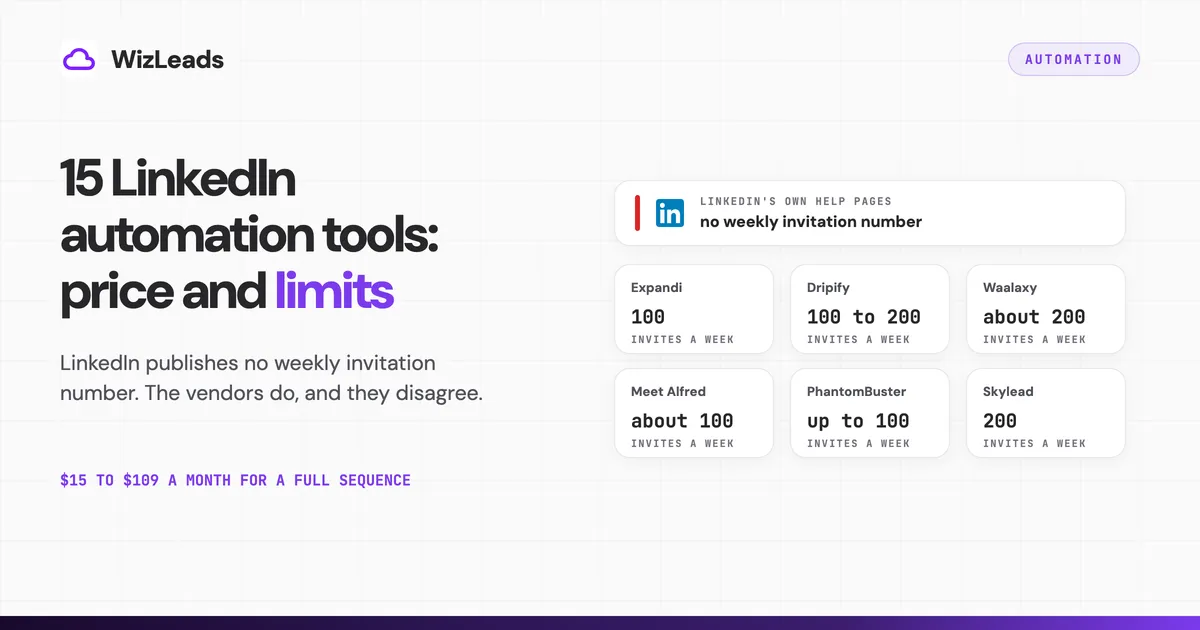
Neither page gives a weekly number. The figures in circulation come from vendors and blogs, and they disagree:
| Source | What it says about LinkedIn's limit |
|---|---|
| Expandi blog | "approximately 100 connection invitations per week", its own recommendation; it adds that LinkedIn does not promise a higher allowance for Premium or Sales Navigator |
| Dripify help centre | typically 100 a week, up to 200 with a high SSI |
| Waalaxy help centre | "maximum 200 invitations per week" on its Advanced and Business plans |
| Meet Alfred help centre | a warning "after sending about 100 invites" |
| PhantomBuster help centre | "up to 100 invites a week", lower for newer or less active accounts |
| Salesforge, a ranking page | 100 per rolling 7-day window on every plan |
| HeyReach help centre | the limit resets "next Monday" |
| Skylead help centre | "LinkedIn caps at 200 invites/week" |
| ZoomInfo, a ranking page | stay "under 50-100 requests per day" |
Our guide to LinkedIn's weekly invitation limit sets figures like these against what LinkedIn's own pages say.
HeyReach says on its blog that on 25 March 2026 LinkedIn removed its company page and restricted the profiles of its CEO, CTO, CRO and CMO, while customer accounts kept operating normally. Both claims are HeyReach's own.
Cloud, extension or desktop: what changes for your account
Cloud LinkedIn automation software runs the sequence on the vendor's servers, so your laptop can be shut, but it needs your login: your password for Meet Alfred, Snov.io and La Growth Machine, your session cookie for PhantomBuster, a cookie option in place of a password at SalesRobot and HeyReach, and a Chrome extension option at Dripify. La Growth Machine sells cloud as the safer design, with "No browser extension to detect" on its homepage.
A LinkedIn automation Chrome extension acts inside your own logged-in browser: Octopus CRM says it never asks for your credentials. Desktop apps send only while their machine runs: Linked Helper on your computer or a VPS, and Dux-Soup's STACKED local on your computer.
That clause names two mechanisms, and they are the two most cloud tools use. We found no published data comparing restriction rates by architecture, and we have none of our own.
The 15 LinkedIn automation tools
1. Linked Helper
What it automates. Connection requests, message sequences and reply detection on the Standard plan, which caps advanced actions such as group messages, event invitations and likes at 20 a day.
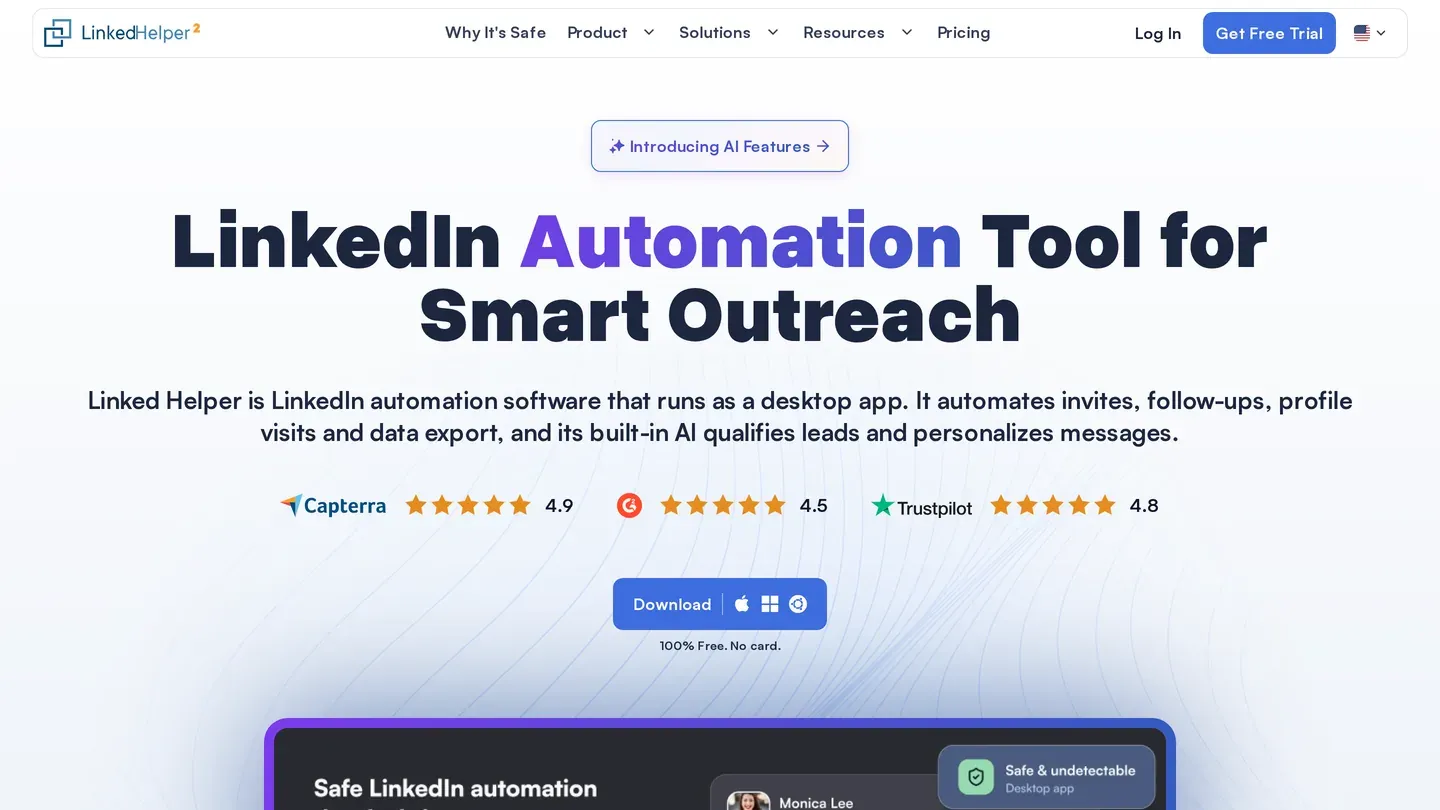
How it connects. It "Runs as desktop software, not as a browser extension", on your machine or "a VPS you control". Its "cloud" plans are cloud storage for your data.
Price. Per licence, one licence per LinkedIn account. Standard is $15 and Pro $45 on a one-month licence, or $8.25 and $24.75 a month on a 12-month licence ($99 a year for Standard). Cloud-storage versions are $29.90 and $59.90, or $16.50 and $33 on 12 months. Trial: 14 days.
Limits, in its own words. "Smart daily limits on a rolling 24-hour window." It also claims to pass major bot detectors, including DataDome and Cloudflare.
Where it falls short. It sends only while that machine or VPS runs, and a VPS is a second bill. Passing a bot detector is not the same as staying inside LinkedIn's terms.
Who it fits. A solo seller who wants the lowest bill for a full sequence and can keep a machine on.
2. Waalaxy
What it automates. Invitation and message campaigns with CSV imports. Pro allows 300 invitations a month; Advanced and Business allow 800.
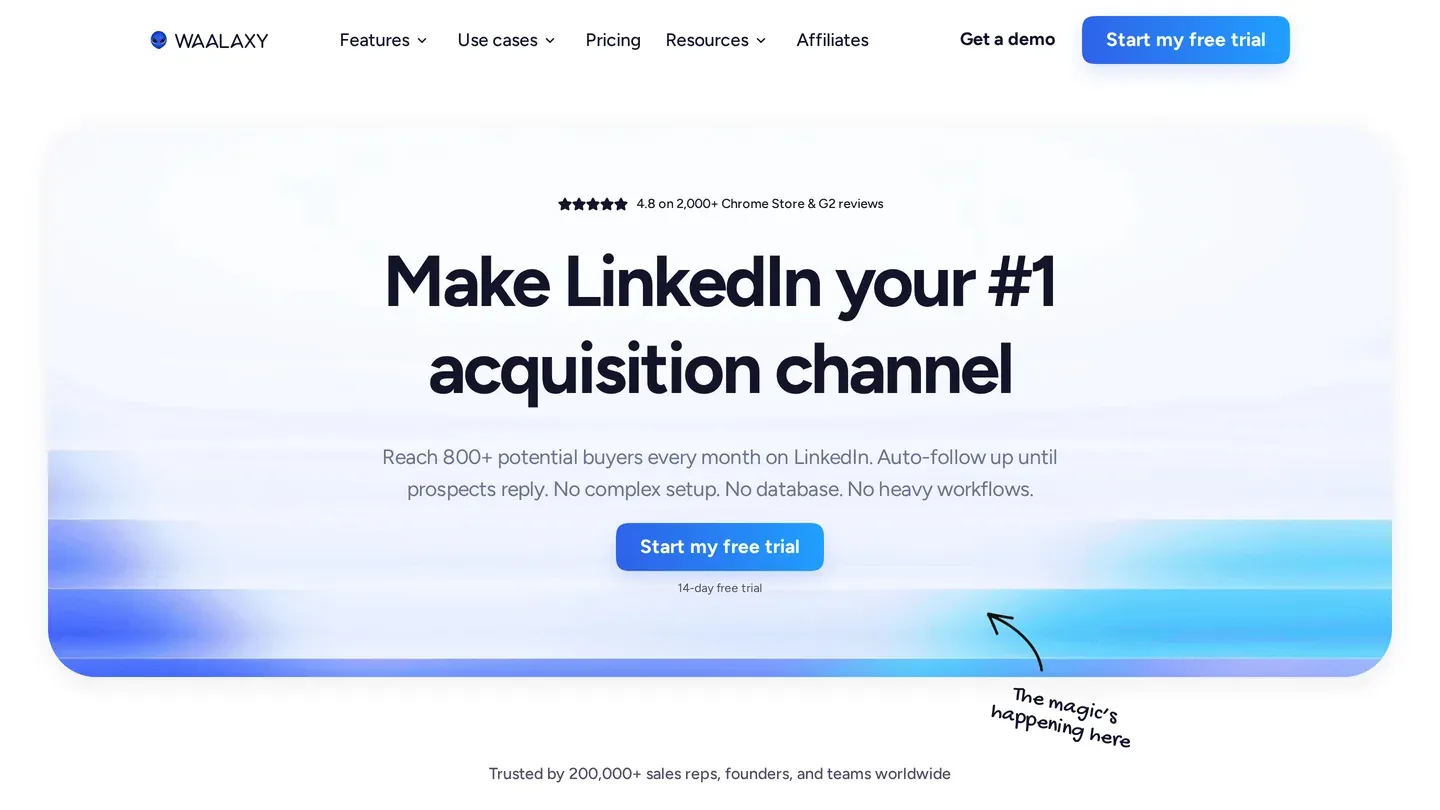
How it connects. Cloud only since 1 July 2026, when its help centre says "The Waalaxy Chrome extension has been removed." The same page says you still need a LinkedIn account and that "Waalaxy uses it to run your campaigns".
Price. Per user per month, priced by where you browse from, and the page opens on yearly billing. Visitors from the US and Ireland see Pro $19, Advanced $39 and Business $69 a month, or $16, $32 and $55 a month billed yearly under a "Yearly -20%" label, though the discounts run from 15.8% to 20.3%. Visitors from France and Germany see €39, €99 and €139 a month, or €19, €49 and €69 billed yearly under "-50%". The page lists three paid plans. Trial: 14 days.
Limits, in its own words. Its help article on LinkedIn warnings says Waalaxy is "100% undetectable as a tool by LinkedIn", and, further down, "Waalaxy does not comply with LinkedIn's Terms of Service". It also says "We strongly advise against telling LinkedIn support that you use Waalaxy".
Where it falls short. Click Monthly before you compare.
Who it fits. Individuals starting on a small budget with a fixed monthly invitation allowance.
3. Octopus CRM
What it automates. Starter automates personalized invitations only. Pro adds bulk messages, profile views and endorsements; Advanced adds campaigns, imports, exports and funnels.
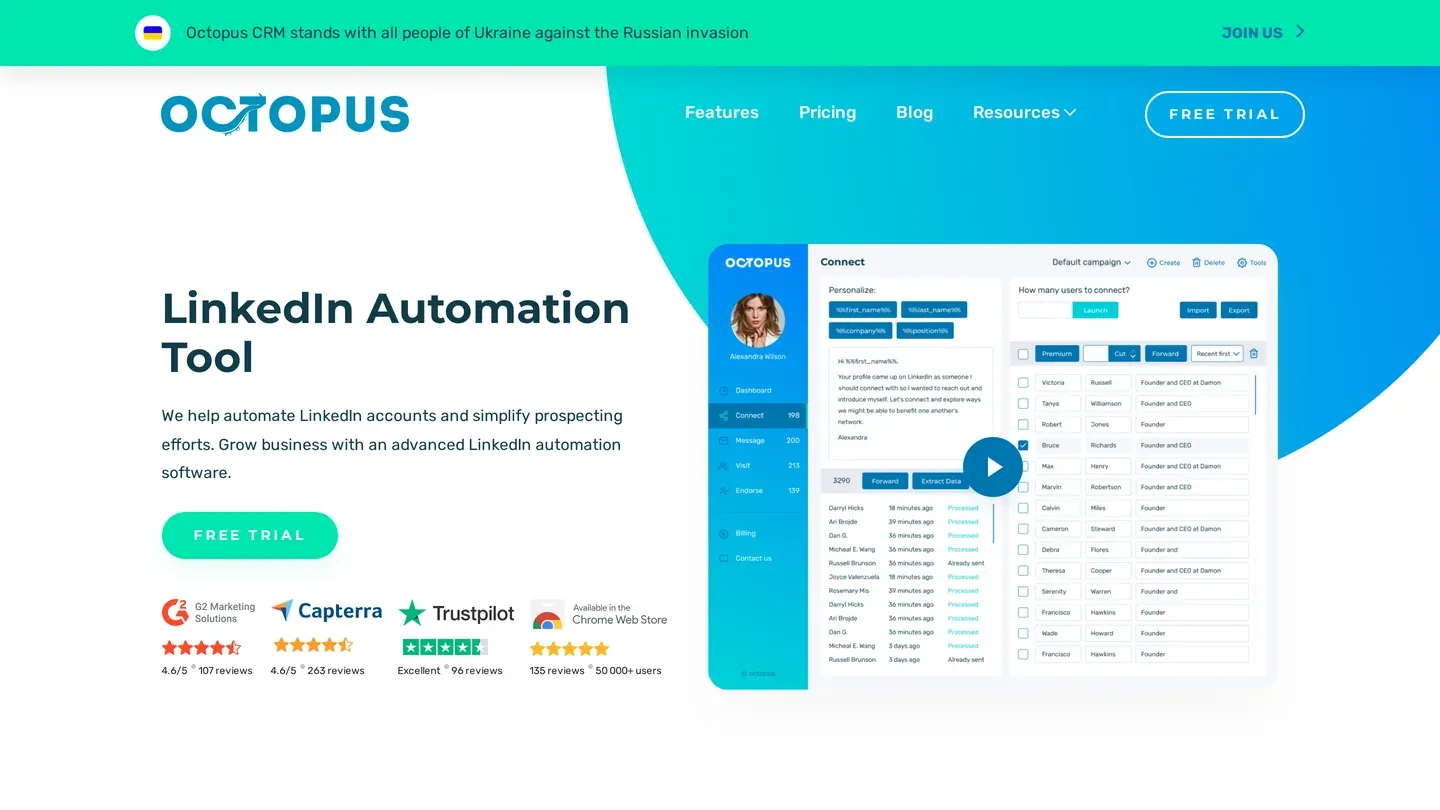
How it connects. A Chrome extension in your own logged-in browser. Octopus says: "we'll never ask for your LinkedIn credentials".
Price. Per plan: Starter $9.99, Pro $14.99, Advanced $21.99 and Unlimited $39.99 a month, or $6.99, $9.99, $14.99 and $24.99 billed annually under a "-35%" label (actual discounts 30.0% to 37.5%). Trial: 7 days, no card.
Limits, in its own words. Activity control sends "immediate alerts right after our system detects the excessive activity on your LinkedIn account". The homepage also says Octopus outreach "cannot cause any risk to your LinkedIn account".
Where it falls short. Sequences start on Advanced, and Activity control, its one named safety feature, is Unlimited only. The no-risk line sits badly beside LinkedIn's own page, which says members using such tools risk restriction.
Who it fits. An individual who wants to keep their password and run modest volumes from their own browser.
4. Aimfox
What it automates. Connection-request and message campaigns.
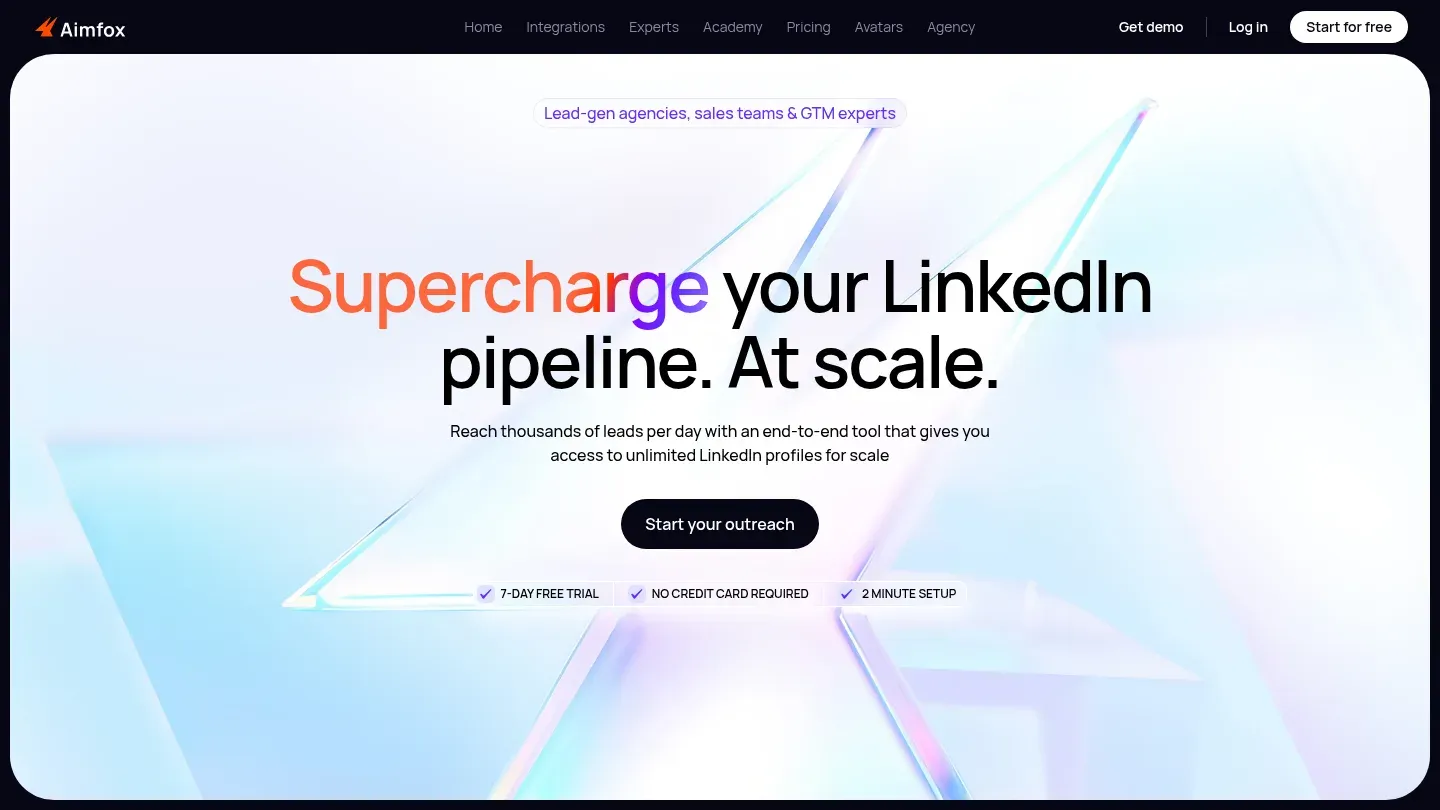
How it connects. Campaigns run from Aimfox's cloud. You connect through a Chrome extension that "uses your existing LinkedIn login session", or with your credentials.
Price. $49 per seat a month, or $490 per seat a year. The agency plan starts at $499 a month for 20 seats plus $20 per extra seat, or $4,490 a year plus $180 per seat. Trial: 7 days, and the pricing page says "No credit card required". Aimfox's help centre still describes a 14-day trial and says the Outreach plan needs a payment method, with no charge unless you continue.
Limits, in its own words. Hard-coded at 200 connection requests and 200 message requests a week per seat. Notes on connection requests need a Premium or Sales Navigator licence.
Where it falls short. Aimfox also rents LinkedIn profiles, an "Outreach avatar" to "Scale beyond your limits" at $387 a month. The plan card says three profiles are included, while the comparison table says "$387 per profile / month". Renting a profile sits awkwardly beside the User Agreement's ban on creating "a Member profile for anyone other than yourself".
Who it fits. Anyone who wants the tool to enforce a weekly ceiling, at one of the lower seat prices here.
5. Dux-Soup
What it automates. Both plans run unlimited drip campaigns of up to 12 actions, such as connect, message, InMail, visit and follow, and pause when someone replies.
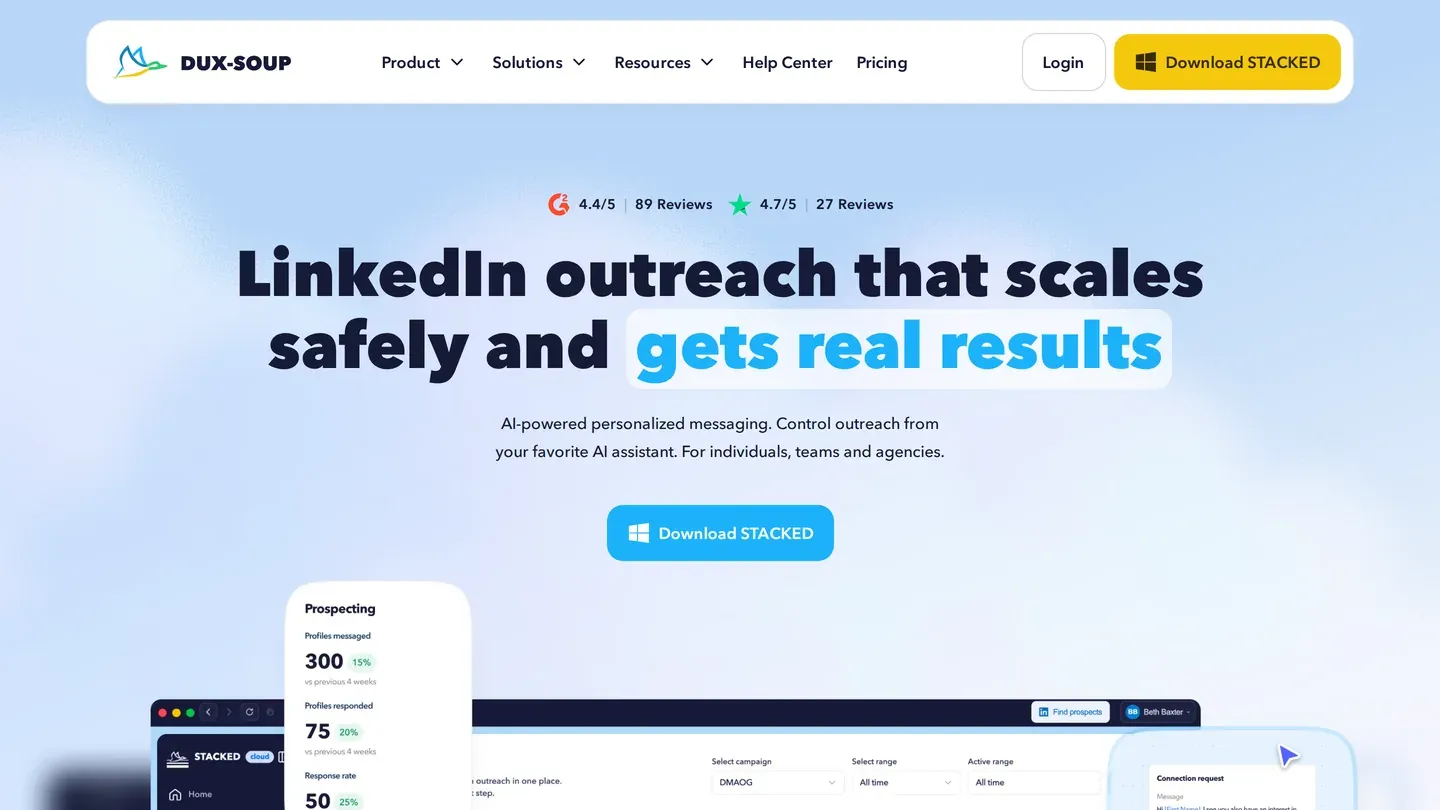
How it connects. STACKED, a desktop app where you sign in to LinkedIn; its help centre says the old Chrome extensions "have been deprecated". For STACKED cloud, the app "will copy your current local LinkedIn session to the cloud" and runs it on Dux-Soup's servers.
Price. Per seat: STACKED local $55 and STACKED cloud $99 a month, or $41.25 and $74.17 billed annually under a "save 25%" label. Yearly seats get cheaper in bulk: its help centre says the price per seat falls as seats are added, "with discounts of up to 50%". Trial: 14 days.
Limits, in its own words. Its knowledge base defaults to 20 connection requests and 50 messages a day, and suggests new users begin "even lower", at 5 to 10 requests a day.
Where it falls short. STACKED local stops when your computer sleeps, and cloud costs $44 a month more per seat. A logged-out LinkedIn session stops the cloud session until you restart it from the app.
Who it fits. Someone who wants unlimited campaigns and CRM integrations on a $55 entry plan.
6. Meet Alfred
What it automates. LinkedIn campaigns, including file-based ones listed as "LinkedIn CSV Campaigns" on Multi-Channel and above.
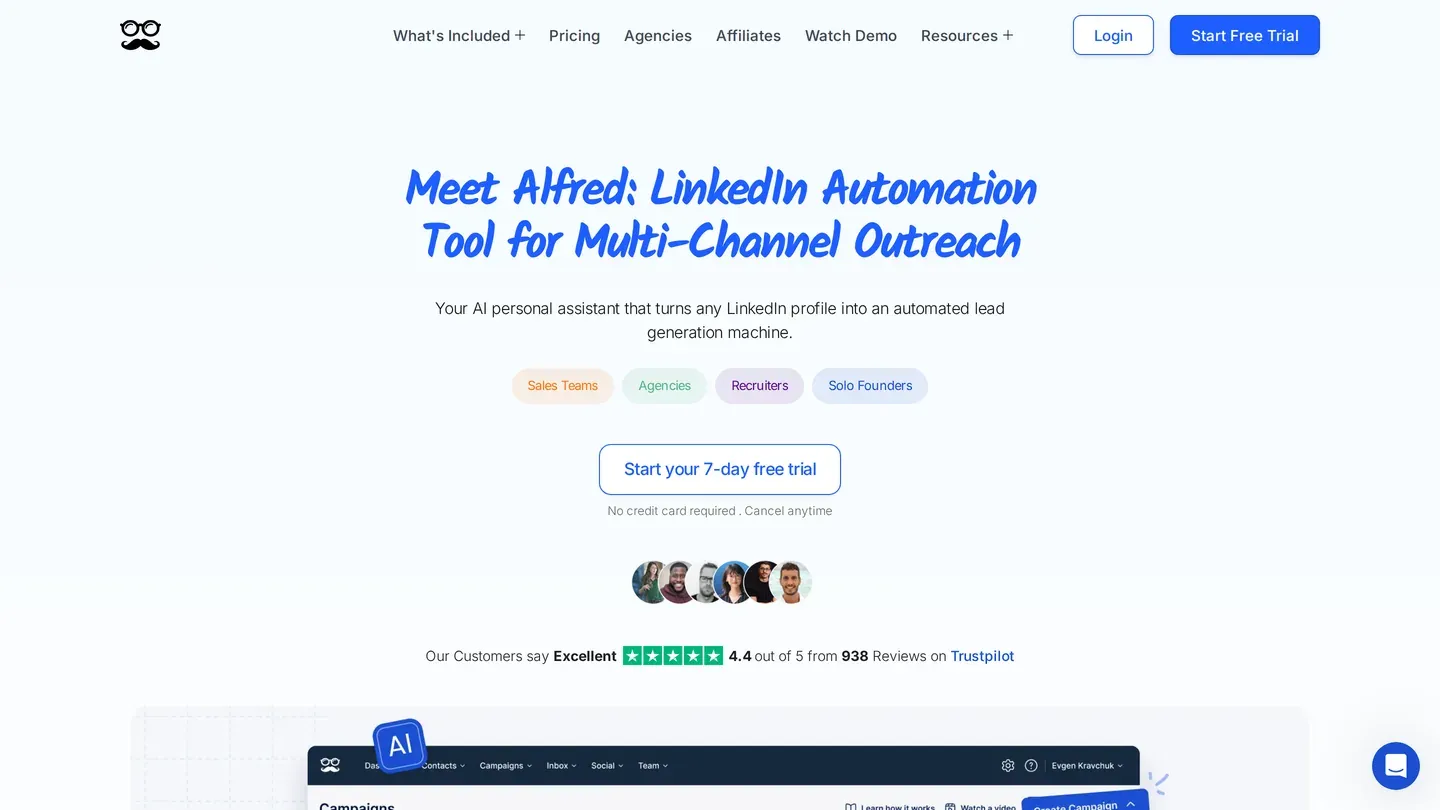
How it connects. Cloud. You enter your LinkedIn email and password, and its help centre says two-step verification disconnects the tool: "we recommend disabling 2FA on your LinkedIn account".
Price. Per seat, in USD. Plans: LinkedIn Only, Multi-Channel, Agency (three-seat minimum) and Unlimited (custom). Monthly: $59, $69 and $79. Quarterly: $49, $59 and $69 a month. Annual: $39, $49 and $59 a month. The page says annual billing saves "up to 34%" and quarterly billing "13–17%"; our arithmetic gives 25.3% to 33.9% annually and 12.7% to 16.9% quarterly.
Limits, in its own words. Its help centre says a warning appears "after sending about 100 invites", and if a restriction persists you can contact LinkedIn "without mentioning any automation tools you might be using".
Where it falls short. Turning off 2FA to keep a tool connected leaves your account with one fewer lock. Monthly billing costs $20 a month more on each plan, and the cheapest plan, LinkedIn Only, has no lead import or export and no "LinkedIn CSV Campaigns".
Who it fits. Someone ready to pay annually, where LinkedIn Only falls to $39 a month.
7. SalesRobot
What it automates. Connection requests, messages and InMails to open profiles, with lead import and export by CSV or Google Sheets.
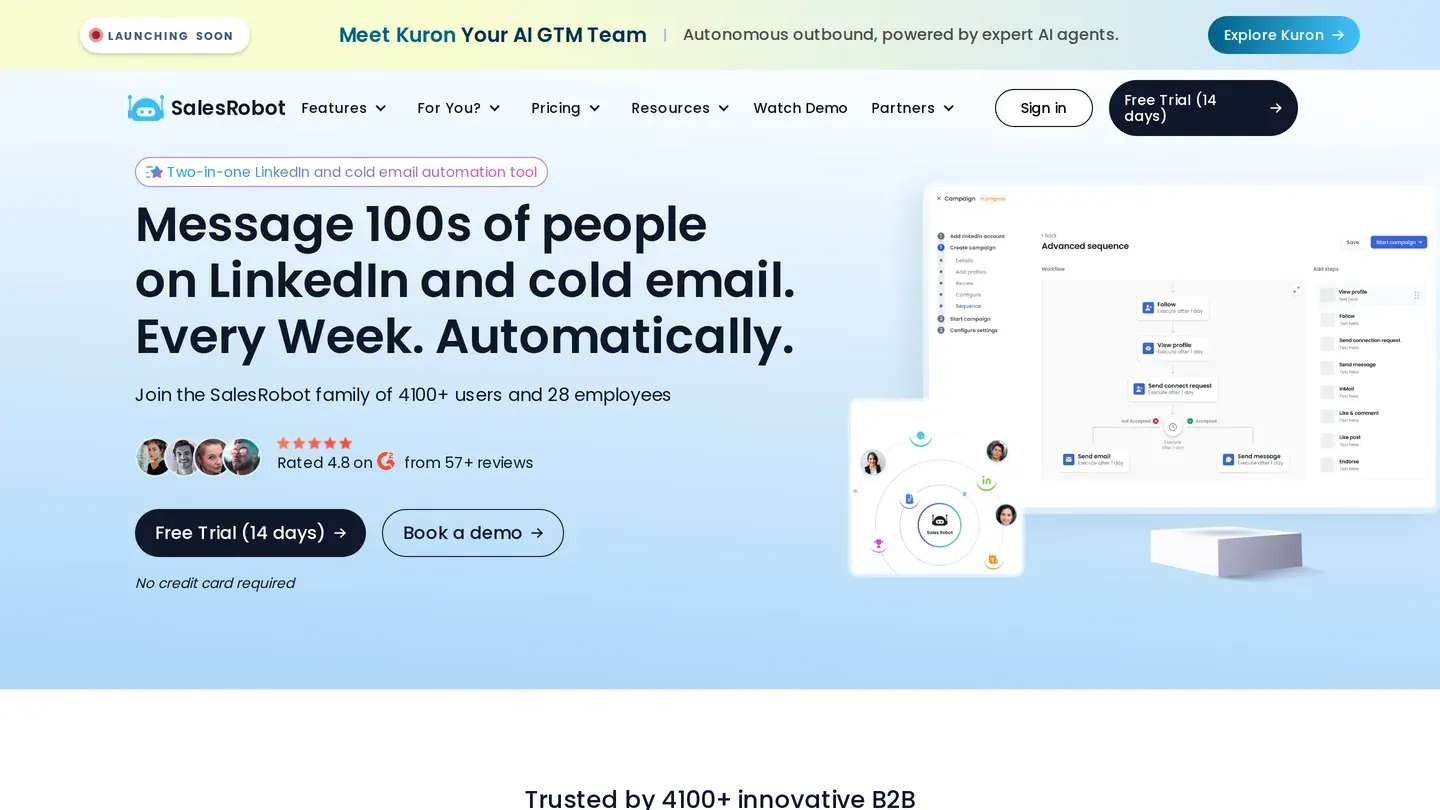
How it connects. Cloud, "no browser needed". Its help centre says you can add your account "without entering your LinkedIn password by using your browser cookies".
Price. Per LinkedIn account: Basic $59, Advanced $79 and Professional $99 a month, or $39, $59 and $79 billed annually. Trial: 14 days.
Limits, in its own words. Daily quotas of 20 connection requests and 20 messages on Basic and 75 of each on the higher plans, plus 20, 50 and 50 InMails to open profiles. The pricing page promises "Compliance with LinkedIn limits".
Where it falls short. The same help centre describes a feature that sits badly with that compliance line. Its pricing FAQ also puts open-profile InMails at 40 a day, against 50 in the plan table.
Who it fits. Someone who wants cloud sending without typing a password into a third-party app.
8. La Growth Machine
What it automates. Multichannel sequences; Pro is pitched as "Best for scaling teams using multichannel automation".
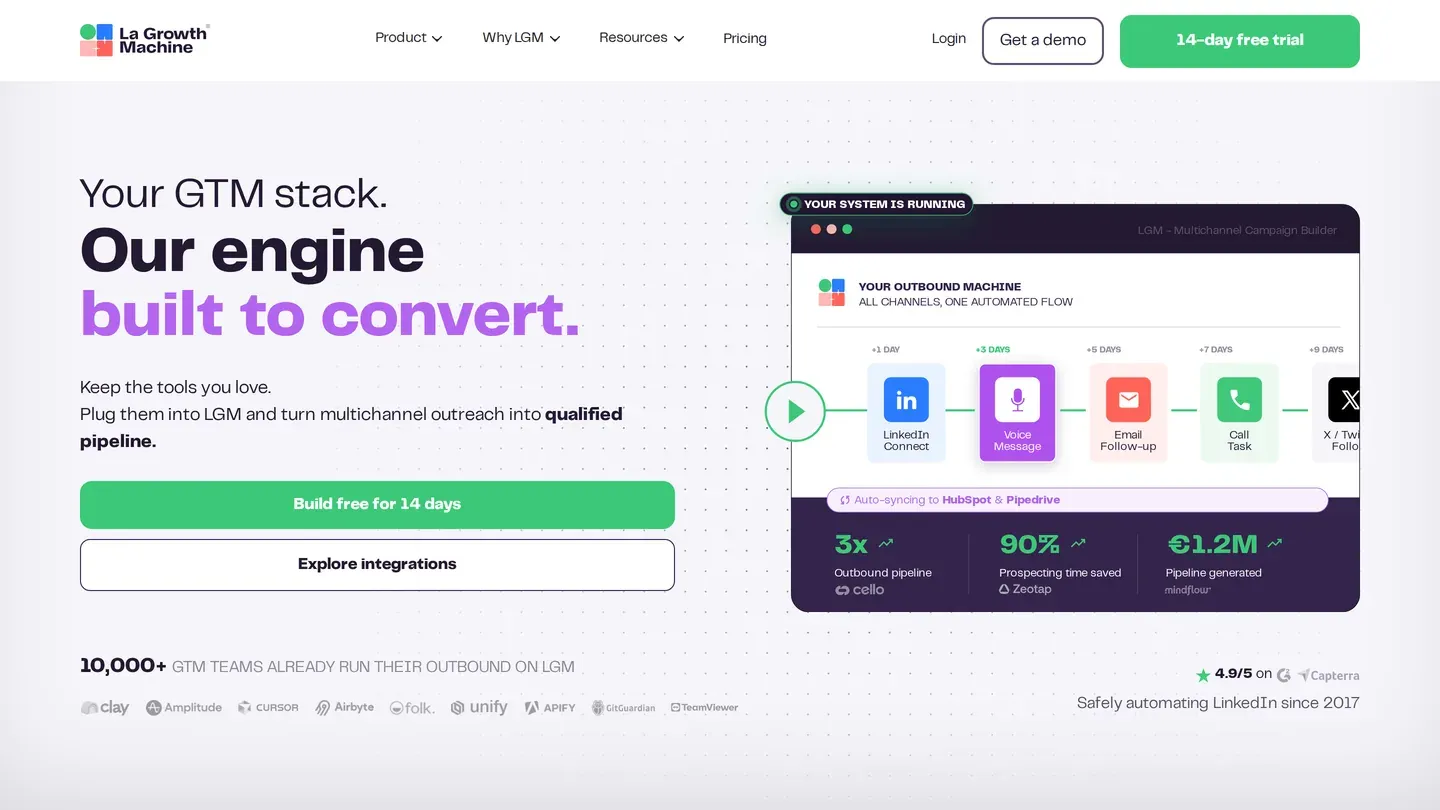
How it connects. "100% cloud-based", with "No browser extension to detect" on its homepage. Its help centre says "LGM requires a LinkedIn password for authentication."
Price. Per identity. In USD, Basic $69, Pro $138 and Ultimate $207 a month, or $58, $115 and $173 billed annually. The page shows prices in euros or US dollars "to help you compare" and says "we always invoice in euros": €60, €120 and €180 monthly and €50, €100 and €150 billed annually. Trial: 14 days, no card.
Limits, in its own words. The pricing page says "Send at scale without burning your LinkedIn or email accounts" and attaches no sending limit to it.
Where it falls short. With no limit stated, there is no number to hold it to. The annual toggle says "2 months free", which would be 16.7% off, and in USD the annual discounts run from 15.9% to 16.7%.
Who it fits. Teams sending LinkedIn and email under one identity, priced per identity rather than per user.
9. PhantomBuster
What it automates. Separate automations called Phantoms. LinkedIn Outreach sends a connection request to a list of LinkedIn profiles and then up to three follow-ups, sent only if the person accepts and has not replied; LinkedIn Message Sender messages first-degree connections. Its extraction Phantoms appear in a comparison of LinkedIn scrapers.
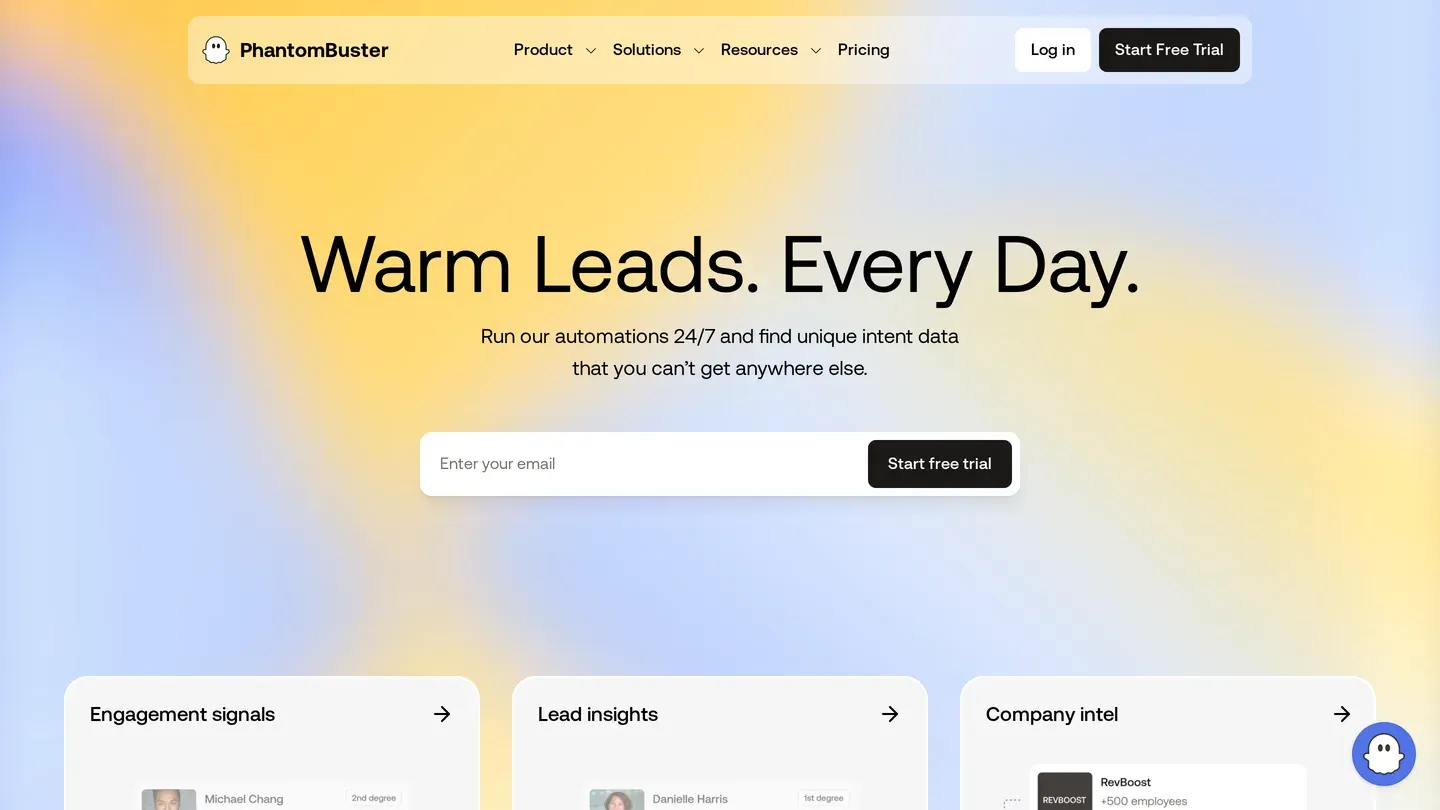
How it connects. Cloud, through your session cookie, captured by its browser extension or pasted in. Its help centre says it "never sees, stores, or requests your login credentials."
Price. Per plan: Start $69, Grow $159 and Scale $439 a month, or $56, $128 and $352 a month billed annually ($672, $1,536 and $4,224 a year). Trial: 14 days, no card. The page's meta description still says "Plans start at $59".
Limits, in its own words. Its Auto Connect guide says "LinkedIn lets you send up to 100 invites a week, but that depends on your account activity".
Where it falls short. A sequence is one connection request and up to three follow-ups, and the separate Message Sender Phantom reaches first-degree connections only.
Who it fits. Someone whose outreach is one step in a longer chain that also scrapes or enriches.
10. Snov.io
What it automates. A LinkedIn add-on to Snov.io's email outreach suite, covering connection requests, messages, profile visits and likes.
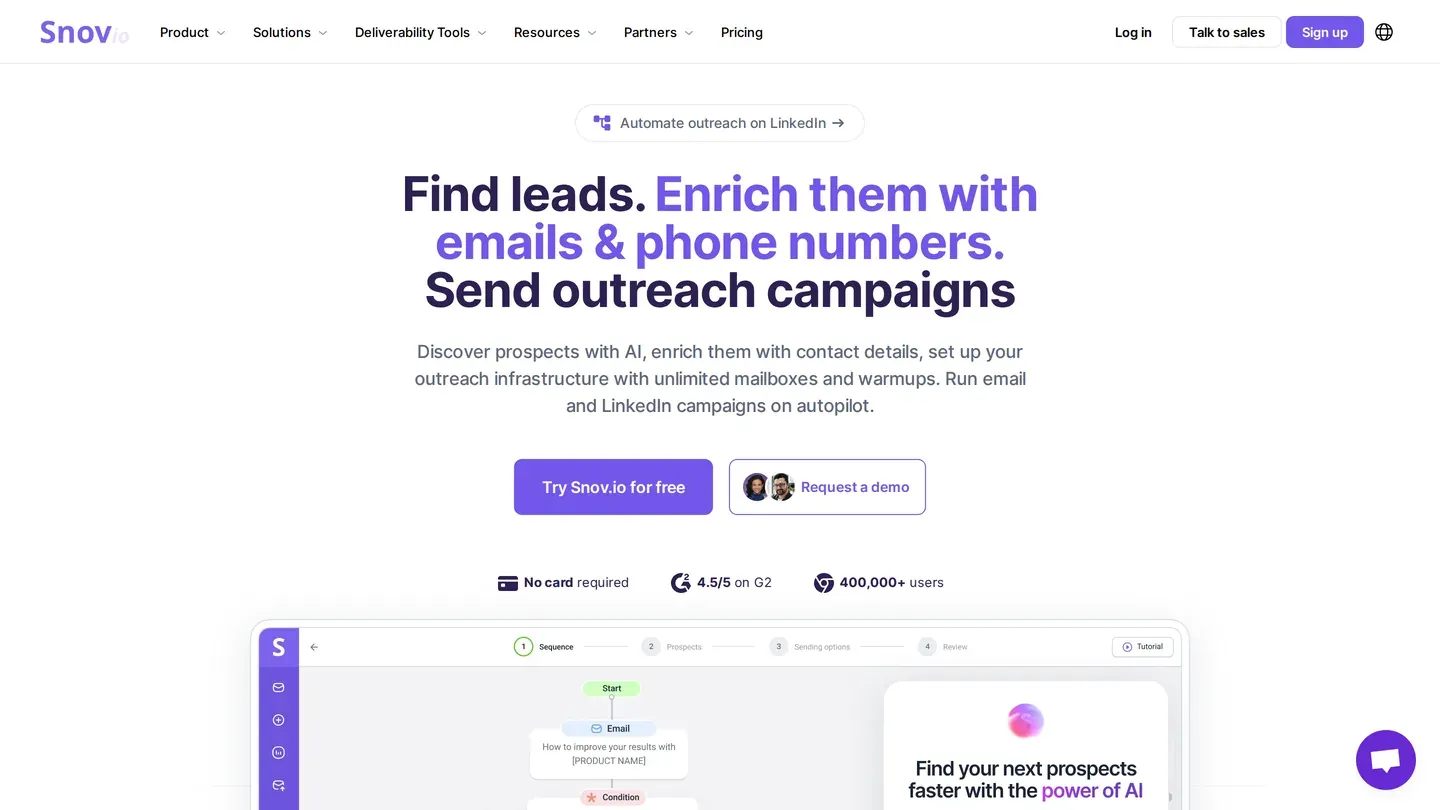
How it connects. "Campaigns run in the cloud". Its knowledge base asks for the "Email & password" you use to log into LinkedIn.
Price. $69 per slot a month, one slot per LinkedIn account, or $59 a slot with an active Sales Suite plan. Annual billing saves "an additional 10%", shown as $62 a slot a month. Trial: 7 days.
Limits, in its own words. "As your SSI score improves, you can reach up to 50 actions per day per account." Its FAQ answers the safety question "Yes, with Snov.io it's safe", saying its limits keep you "within LinkedIn's guidelines".
Where it falls short. LinkedIn's help page does not permit automation tools at all, so no limit keeps you within its guidelines.
Who it fits. Teams already on a Snov.io Sales Suite plan, where each LinkedIn slot is $10 cheaper.
11. Dripify
What it automates. Drip campaigns of connection requests, messages and profile views, plus 100 email-finder credits a month on every plan, charged only when an address is found and verified.
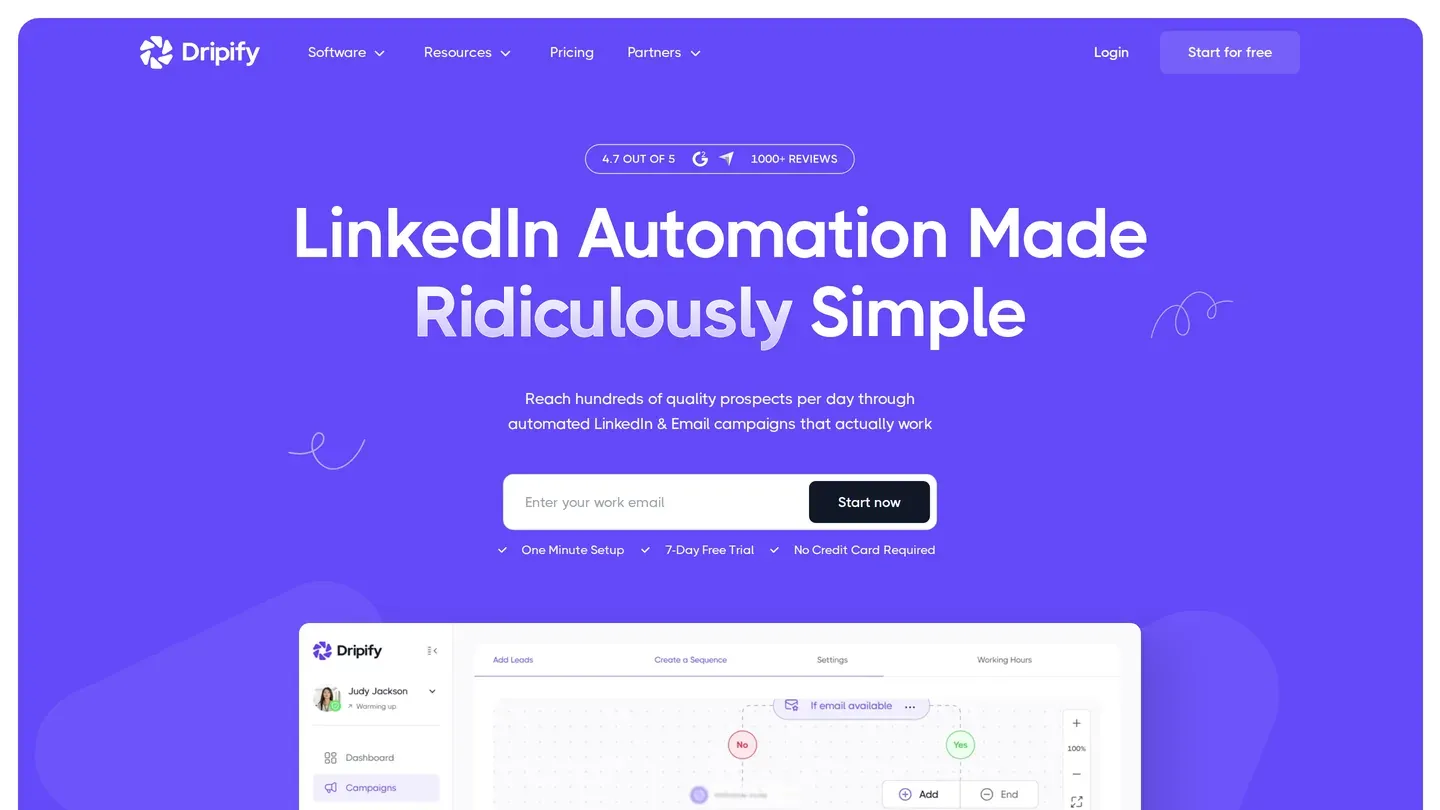
How it connects. Cloud: "campaigns run on our servers, so nothing depends on your browser being open or your machine being on". Step two of setup offers its Chrome extension, which connects "without entering your LinkedIn email and password directly in Dripify", or those credentials, which Dripify says it encrypts.
Price. Per user, one seat per LinkedIn account. Pro $79 and Advanced $99 a month, or $59 and $79 billed annually. It works with free LinkedIn accounts. Trial: 7 days, no card, with Advanced features.
Limits, in its own words. Pro and Advanced allow up to 75 connection requests and 100 or more messages a day. Its help article repeats the 75 a day, then says LinkedIn typically limits standard profiles to 100 invitations a week. Seventy-five a day is 525 a week.
Where it falls short. You can't follow both numbers in that article.
Who it fits. Someone who wants cloud sending and a small monthly allowance of found emails on one bill.
12. HeyReach
What it automates. Connection requests and messages across many LinkedIn senders in one workspace, with no charge for teammates, VAs or clients.
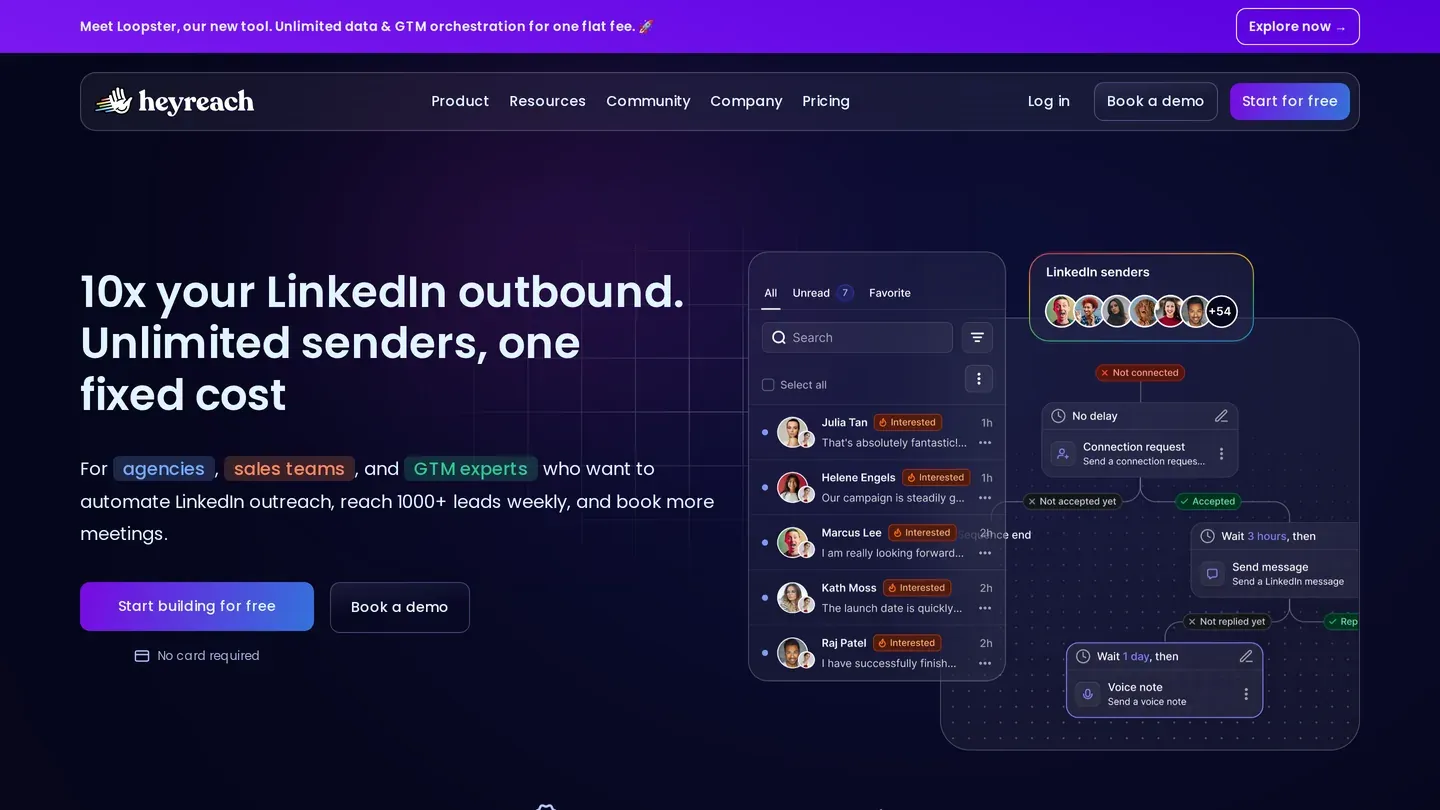
How it connects. Cloud. Its help centre prefers that you export your LinkedIn cookies and paste them in, since "you don't have to share your LinkedIn credentials"; the alternative asks for your "email address and password and 2FA secret key".
Price. Per sender, meaning each LinkedIn account. Growth $79 per sender, Agency $999 for 25 senders, Unlimited $2,999 a month. Yearly: $64 per sender ($759 a year), $800 and $2,399 a month. Trial: 14 days, no card, three LinkedIn accounts.
Limits, in its own words. "HeyReach allows senders to send up to 40 Connection Requests per day", with a default of 25 "once the account is warmed up", and a "Weekly limit that is capped at 200 Connection Requests per sender" (HeyReach help).
Where it falls short. Its help centre says free accounts get 10 personalized notes a month; LinkedIn's own page says five. Its pricing FAQ asks about "Growth" and answers about a "Starter" plan.
Who it fits. Agencies running many senders, where Agency works out at $39.96 per sender.
13. Expandi
What it automates. Connection requests, messages, InMails and event invites, with lists imported "via CSV or integrations".
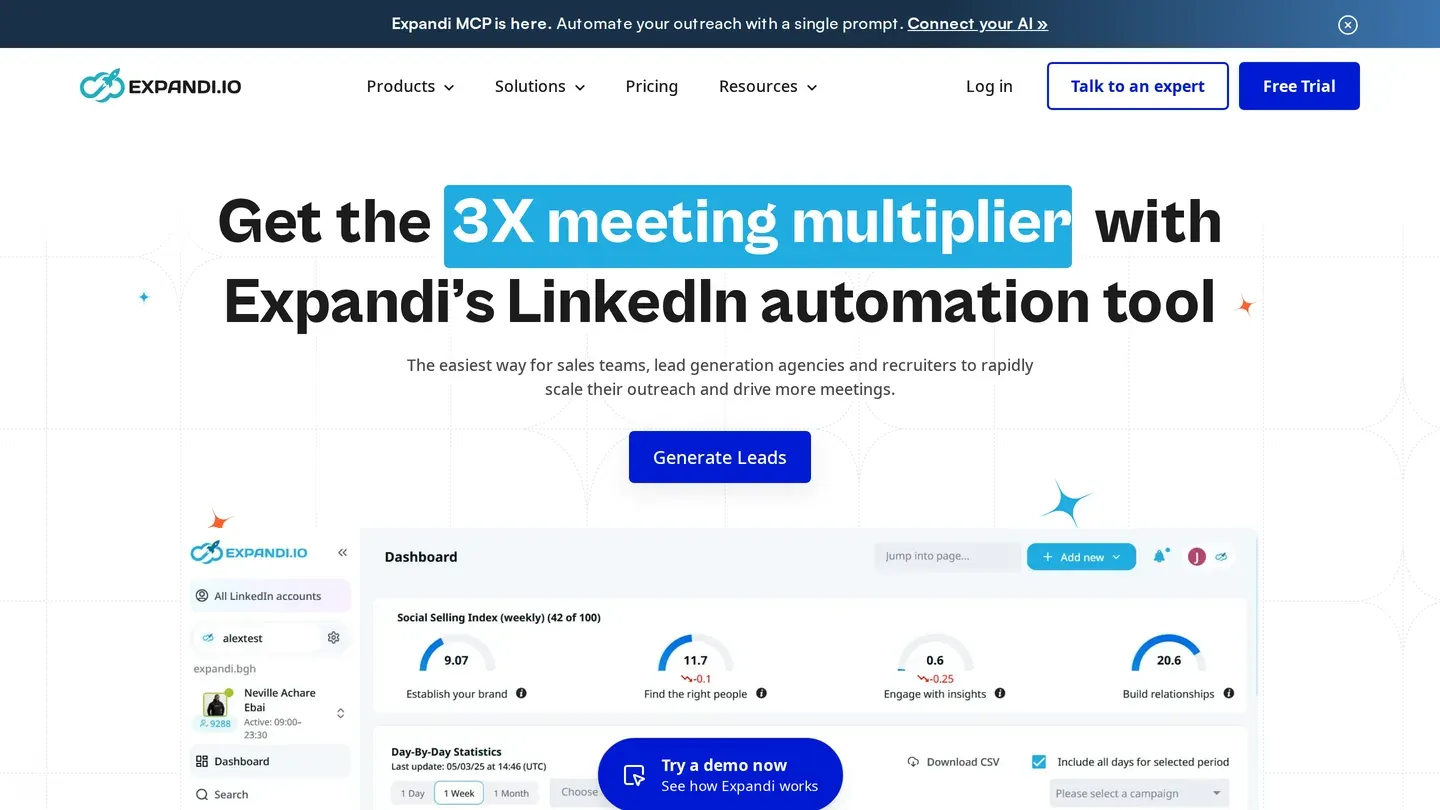
How it connects. Cloud. Its help centre asks for your "Current LinkedIn password" when an account needs verification.
Price. $99 per seat a month, or $79 per seat a month billed annually. Expandi calls that "a 20% discount, equivalent to receiving two months for free"; two free months would be 16.7%. Trial: 7 days.
Limits, in its own words. Its homepage lists "fine-tuned daily limit ranges" under account safety. Its help centre says the Mobile Connector campaign "no longer bypasses" LinkedIn's weekly connection request limit, yet still allows 50 to 100 extra requests a week.
Where it falls short. Its site menu offers "up to 300+ connection requests weekly", while its help centre advises staying within 100 actions a week. Requests beyond LinkedIn's weekly limit sit directly against the User Agreement's line on bypassing "use limits of the Services".
Who it fits. Small teams who want one all-features plan per seat, paid annually.
14. Skylead
What it automates. "Cloud-based LinkedIn automation", sold per All-in-one seat.
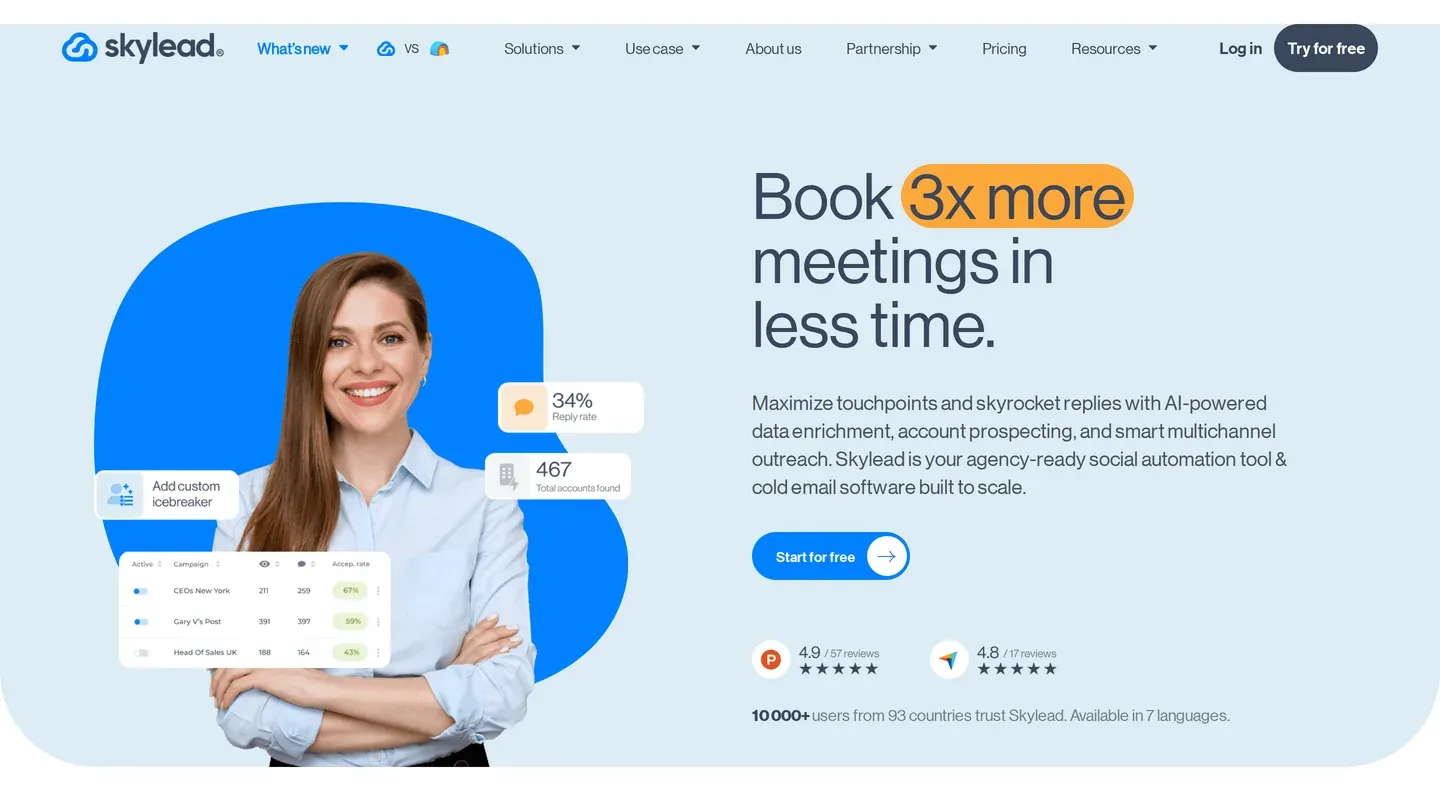
How it connects. Cloud. Its help centre offers three ways in: your password plus a 2FA secret key ("recommended for the most stable connection"), your password alone, or a manual LinkedIn login "without providing your LinkedIn credentials to Skylead".
Price. $100 per seat a month. Agency plans are $999 a month or $1,999 for unlimited seats; the $999 plan has shown on the pricing page as both 50 seats and, as a first-year promotion, 25 seats; the page now shows only the 25-seat promotion. Annual billing goes through sales ("Pay 10 months & get 2 months free"). Trial: 7 days.
Limits, in its own words. Its Global Limits article says "LinkedIn caps at 200 invites/week", and suggests 40 to 50 invites a day on Premium and 20 to 25 on a basic account.
Where it falls short. Those two numbers don't fit together: 40 to 50 invites a day reaches the weekly 200 in four or five days.
Who it fits. Agencies with 25 to 50 seats, where the $999 agency plan works out at $19.98 to $39.96 a seat, depending on which seat count you are offered.
15. lemlist
What it automates. LinkedIn steps inside lemlist's email sequences. "LinkedIn Automation" appears on the Multichannel plan only, alongside an email and phone finder.
How it connects. lemlist's own roundup of LinkedIn automation tools labels it cloud. Its help centre says its Chrome extension "is required for LinkedIn automation", and its install guide says the extension "relies on your browser cookies to recognize your current LinkedIn session".
Price. Per user: Multichannel is $109 a month, $99 quarterly or $87 yearly. The Email plan ($69, $62 or $55) has no LinkedIn automation. Trial: 14 days.
Limits, in its own words. Its help centre says "LinkedIn follow actions now have their own dedicated daily sending limit in lemlist settings". We found no default number for connection requests.
Where it falls short. That roundup once listed lemlist at "$55/mo", the yearly price of the Email plan, which has no LinkedIn automation; it now says "from $87/user/mo (annual)". The real entry price for LinkedIn steps is the highest here.
Who it fits. Email-first teams adding LinkedIn touches to sequences they already run.
Where WizLeads fits
Every tool above needs a list first. Octopus asks you to "prepare a CSV file with LinkedIn profile URLs", PhantomBuster's LinkedIn Outreach needs a list of profile URLs, and SalesRobot, Waalaxy and Expandi take CSV imports, as does Meet Alfred from its Multi-Channel plan up. Some, Waalaxy among them, can also import straight from a LinkedIn or Sales Navigator search, but that runs through the account doing the sending, and a Sales Navigator search needs your own seat.
WizLeads builds that list from a Sales Navigator search, and the export carries each lead's LinkedIn profile URL. Its account-less mode scrapes without your LinkedIn account and without an active Sales Navigator seat (Core is $119.99 a month), so the only account doing automated work is the one connected to your sending tool. You still need a Sales Navigator search URL to start, and Vayne sells a similar cookie-less mode that its pricing page lists as "on request", while its scraper page says "Both modes are available on every plan". Each people search stops at 2,500 results, the cap to plan territories around.
For the email steps in lemlist, La Growth Machine or Snov.io, WizLeads finds work emails from a first name, last name and company website, at 3 credits per email found, and charges nothing when it can't find one. The Freelancer plan is $39 a month for 10,000 credits.
How to choose
Before you automate LinkedIn outreach, start from the constraint that binds you.
- For the lowest bill on a full sequence: Linked Helper Standard ($15, on a machine left running), Waalaxy Pro ($19 from the US, €39 from France or Germany) or Octopus Advanced ($21.99, in your browser).
- To keep your password: Octopus works in your browser session, Aimfox and Dripify offer a Chrome extension instead of a password, and PhantomBuster and SalesRobot take a session cookie.
- For many senders: HeyReach Agency ($900 a month billed quarterly or $800 billed yearly for 25 senders), Skylead's agency plan ($999 a month for 25 seats as a first-year promotion, per its pricing page) or Aimfox's agency plan (from $499 for 20 seats).
- For LinkedIn and email in one sequence: lemlist Multichannel, La Growth Machine or Snov.io.
- For a ceiling the tool enforces: Aimfox, at 200 connection requests a week per seat.
LinkedIn names two triggers for invitation restrictions: "many invitations within a short amount of time", and invitations "ignored, left pending, or marked as spam by the recipients".